Thanks Dave should I see if @beck can join our call tomorrow or not needed at this time?
Thanks
Dave W.
Thanks Dave should I see if @beck can join our call tomorrow or not needed at this time?
Thanks
Dave W.
If he needs, sure.
I tried to pass these along in a few different ways and each time what should be easy, just became more and more time consuming.
In the rar below on my drive is 2 files; the webpack and the lifecycle manager, basically the issue is you had the 2 things named the same and the functionality that strips unneeded info took out both sides of that naming structure. I personally never do this as it just causes confusion especially when attempting to explain it to others but I did make that piece of code in the frontend to be looked at during code clean up.
Once I cleaned up the issue, the module displayed just fine.
While I was able to get this to work, getting the docker aspect of this to work was another matter, one I have not solved yet.
https://drive.google.com/file/d/1DCBkVFJv-TUlKTv4R8uyxNyDsOzuOIiK/view?usp=sharing
Thanks. It looks like a google drive link may have been included there is there something we need to look at there or was that an error? If it’s something we need to look at pls make it viewable.
Thanks!
Dave W.
I thought I had provided access, this should be open now
I would have just attached it but zip and rars are not permitted, just images
https://drive.google.com/file/d/1DCBkVFJv-TUlKTv4R8uyxNyDsOzuOIiK/view?usp=sharing
thanks @DJJones ,
renaming the module name, different to plugin name, resolved the issue. Now page loads fine.
Hi team,
I’ve merged the branch feature/plugin_settings_and_service_restart into main via PR #78.
Summary of changes:
9f65d0e59c6f to create plugin_service_runtime table with definition_id, and environment variable support.Next steps:
Thanks,
Beck
No problem, I am just wrapping up a plugin update and then will pull the PR to check out.
Thank you
I did a quick test, I can’t debug it yet as to why but there is a migration issue.
There are 2 different migrations for this table, the first one I am willing to bet is from your first PR the other day and now this one. (Just assuming based on a glance at a test search).
Not sure how you want this handled so I will leave it to you for the moment.
Thanks Dave. @beck my understanding from my call today with Dave is that there is an issue that we are waiting for you to resolve here before I can test. Here is that portion of the discussion.

Can you have a look and let me know when it is resovled or if there are any questions or clarifications needed from Dave J on this?
Thanks
Dave
Hi @DJJones @davewaring ,
Thanks for the feedback on the migration issue. I’ve cleaned things up:
9f65d0e59c6f.fa1cc8d52824) that correctly adds definition_id to the existing plugin_service_runtime table (instead of recreating it).This resolves the duplicate migration problem (tested on existing and new database).
Next steps:
Let me know if you hit any other blockers.
Thanks,
Beck
Sorry for the delay, been trying to resolve an issue..
I did one test already which involves a new registration, it handled the new PR code perfectly. I still want to try an existing user to see how it handles things and then will merge. So maybe this evening or tomorrow morning (my time EST/New York)
Edit
Second test for migration with an existing user worked based on my tests
Edit
This was merged into the core this morning, I didn’t have a chance to test the entire plugin code.
Hi @DJJones,
I removed sample env variables from .env-dev as we no longer need them.
Please review and merge when you have a chance:
Thanks,
Beck
Hi @DJJones ,
I increased service runtime health check timeout from 30s to 100s.
Please merge when you have a chance:
Thanks,
Beck
Hi @DJJones ,
I’ve implemented the fast Docker restart logic in this PR:
Title: feat: Implement fast Docker service restart and conditional rebuild logic
This merge implements the separation of Docker build and run steps to ensure plugin service restarts (e.g., after updating ENV vars) are nearly instant.
Please review and merge when you have a chance:
Best regards,
Beck
Thank you, this has been merged this morning so it should be ready for you and Dave to test based on your scheduled meetings.
Hi All,
I’m late to the posting here but better late than never!
Here is the recording of my conversation with Beck from last week where we discussed the work being completed on the chat w/ docs plugin in the above replies followed by an AI powered summary of what was discussed.
In short we are getting close to having a developers release for fully functioning chat w/ docs plugin which is exciting.
Questions, comments, concerns and ideas welcome as always. Just hit the reply button.
Thanks!
Dave
Recording:

AI Powered Summary of discussion:
We split Chat with Documents into two Dockerized backends and got it running fully local-first on Mac:
This boosts accuracy, speeds daily use, and lets users host the heavy processor separately if they want.
After installing the plugin, update plugin settings:
host.docker.internal (not localhost) when the backend must reach a Docker service.First-time build of the Document Processing image is large (ML models); expect a longer initial pull/build.
After the above, we’ll add MCP support so BrainDrive pages can connect to external tools/services (action tools like image gen, and context sources like calendar/email/Drive) through a single standard.
Please test:
Post findings and logs/screens in the thread—this will help us harden the beta.
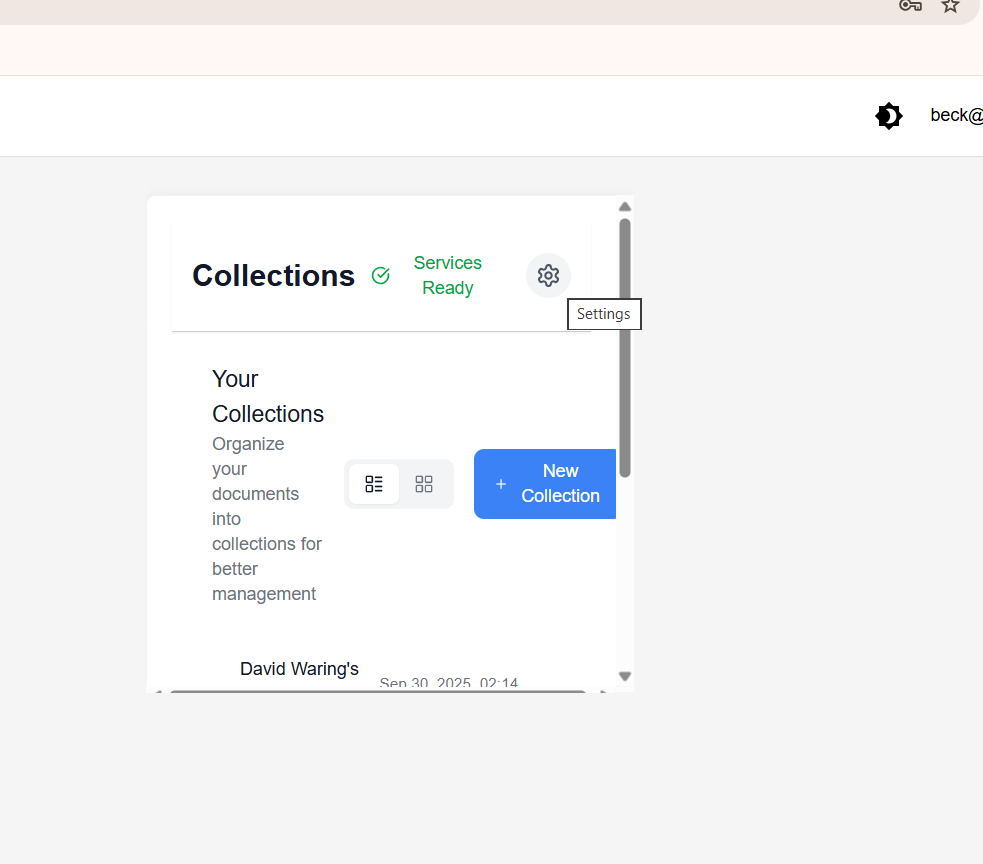
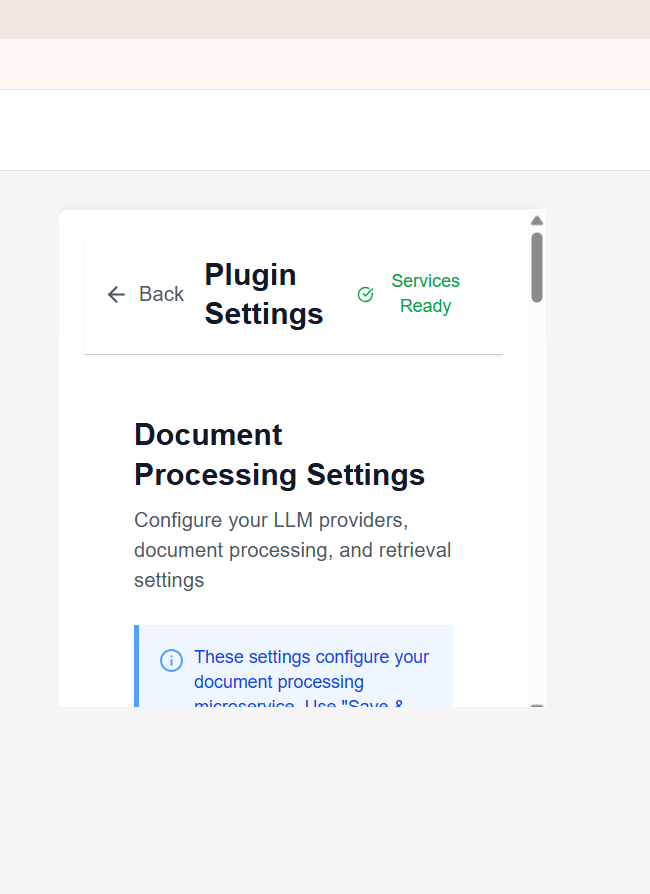
Hi @beck I still need to set the environment variables in order to use this by clicking the settings icon on after adding the plugin to a page correct?
When I try to click the settings icon nothing happens for me.
Thanks
Dave W.
Hi @davewaring ,
by clicking on “gear icon” it should open plugin settings page.
Do you see error or something?
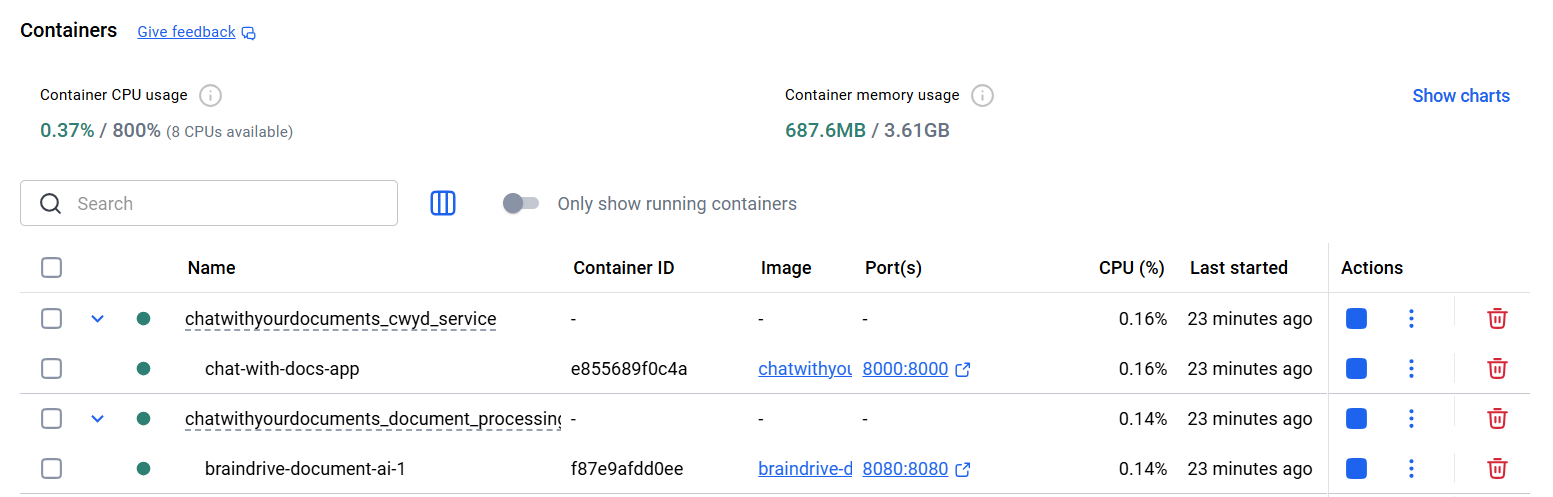
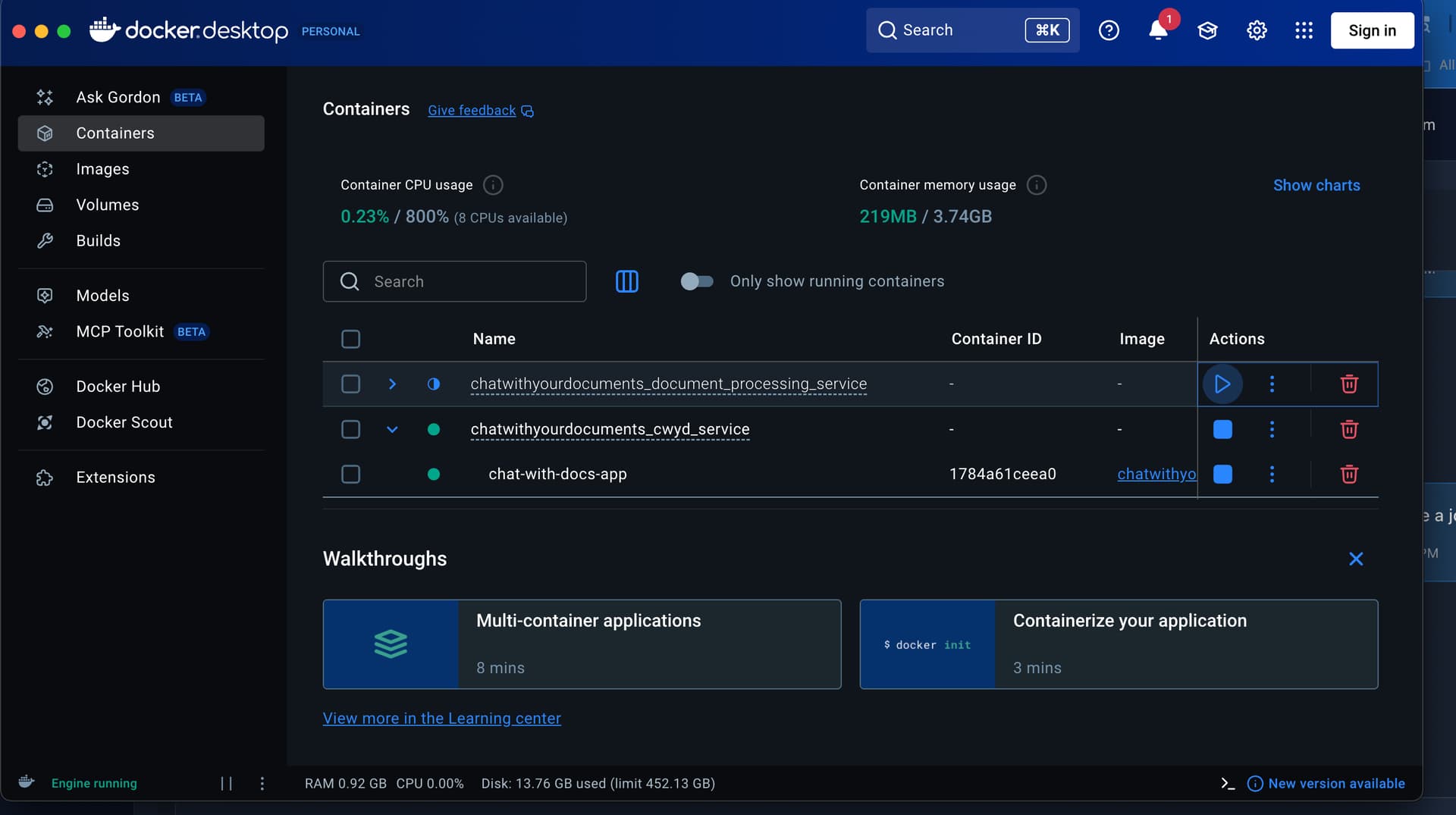
to resolve this, could you:
chatwithyourdocuments_cwyd_service and chatwithyourdocuments_document_processing_service)uvicorn main:app --host localhost --port 8005