Welcome to Lesson 4 of the How to Own Your AI System course.
In this lesson I’m excited to introduce you to BrainDrive, the ChatGPT alternative that you own and control.
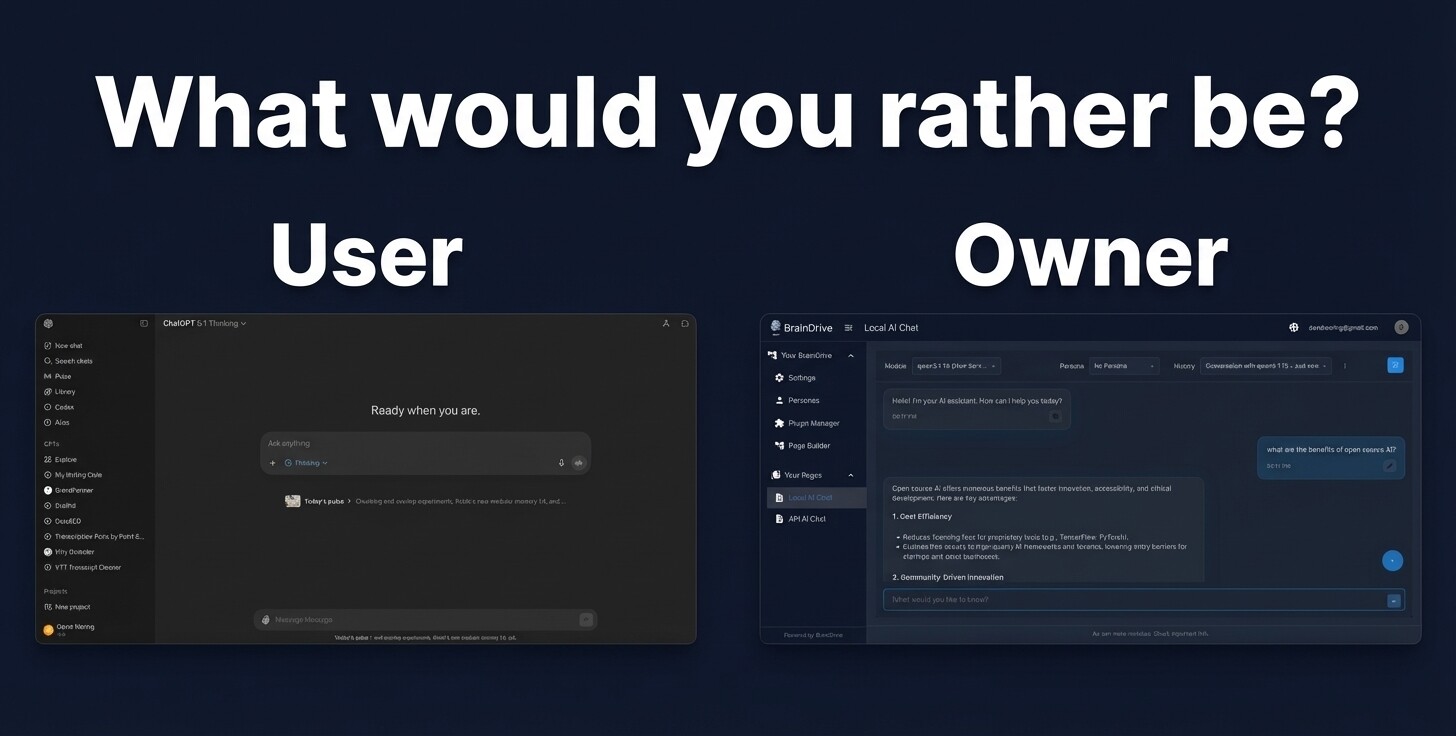
Our vision is to build a superior user-owned alternative to Big Tech AI Systems. An AI system built on the following 4 pillars:
- Ownership - You should own your AI system.
- Freedom - Your AI system should not be restricted
- Empowerment - Your AI system should be easy to use
- Sustainability - Value should flow to those that create it
Remember the 5 components of AI system ownership we discussed in lesson 2?
BrainDrive gives you ownership and control over them all:
1. Owning The Interface 
To get you started quickly we have a default chat interface that looks similar to what you will see in Big Tech AI systems like ChatGPT.
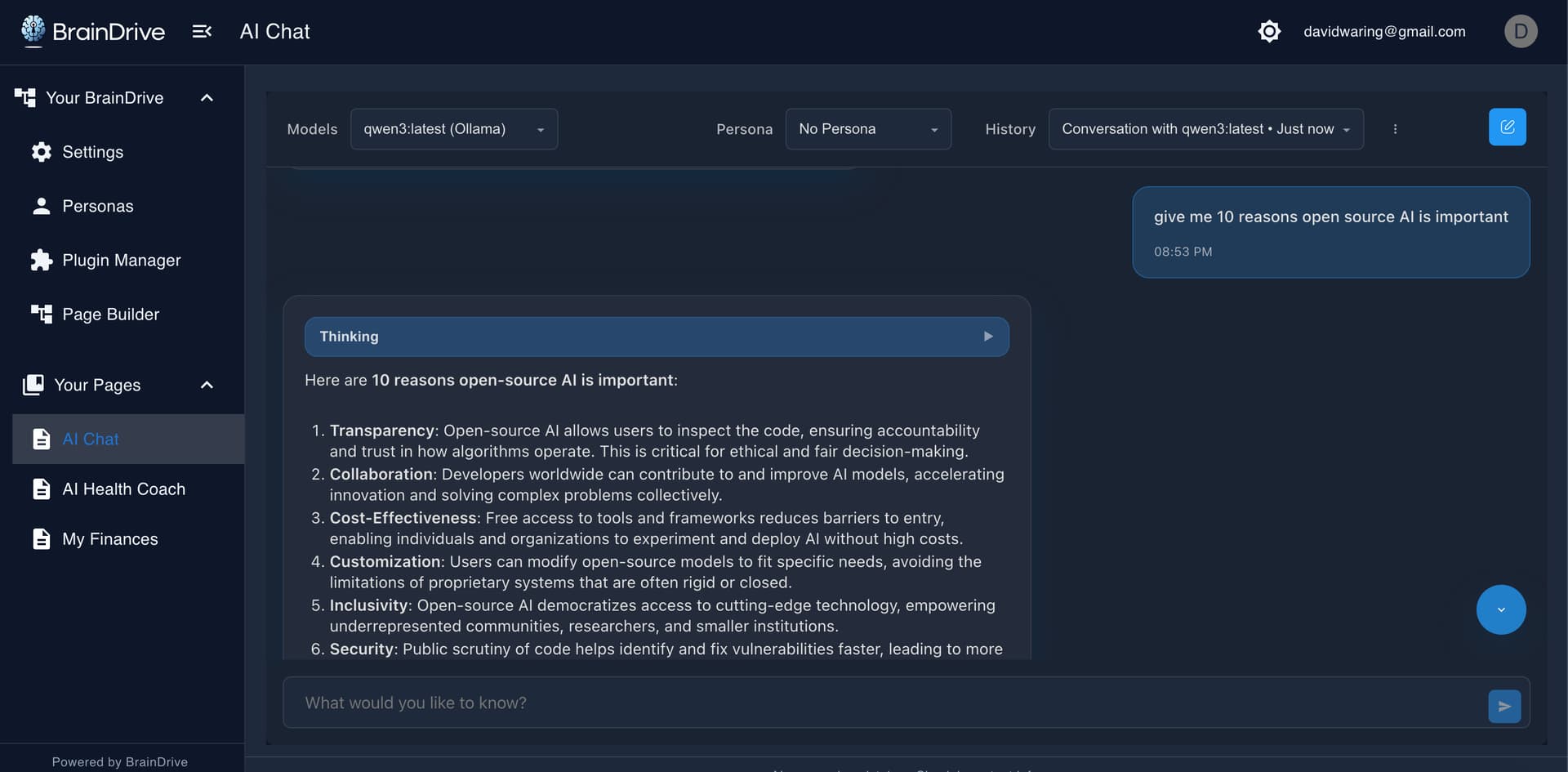
But with BrainDrive there is a huge difference.
The interface you see is not owned and controlled by a Big Tech company.
It’s owned and controlled by you.
2. Owning The AI Models
With ChatGPT you’re stuck using their models (and biases), sending your data to their company.
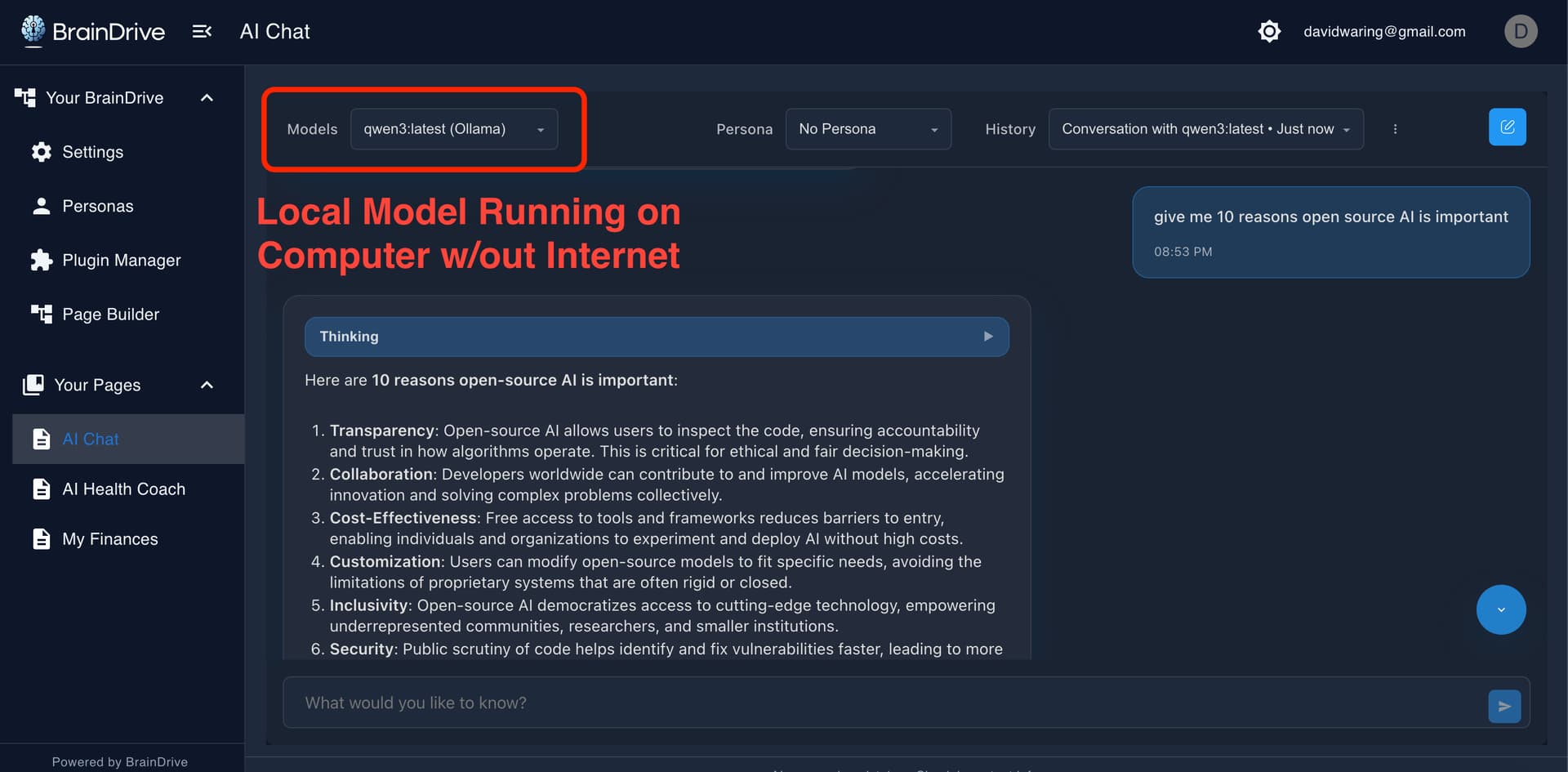
BrainDrive is designed to run any publicly available AI model.
This includes open source AI models that you can download and run on your computer for complete privacy.
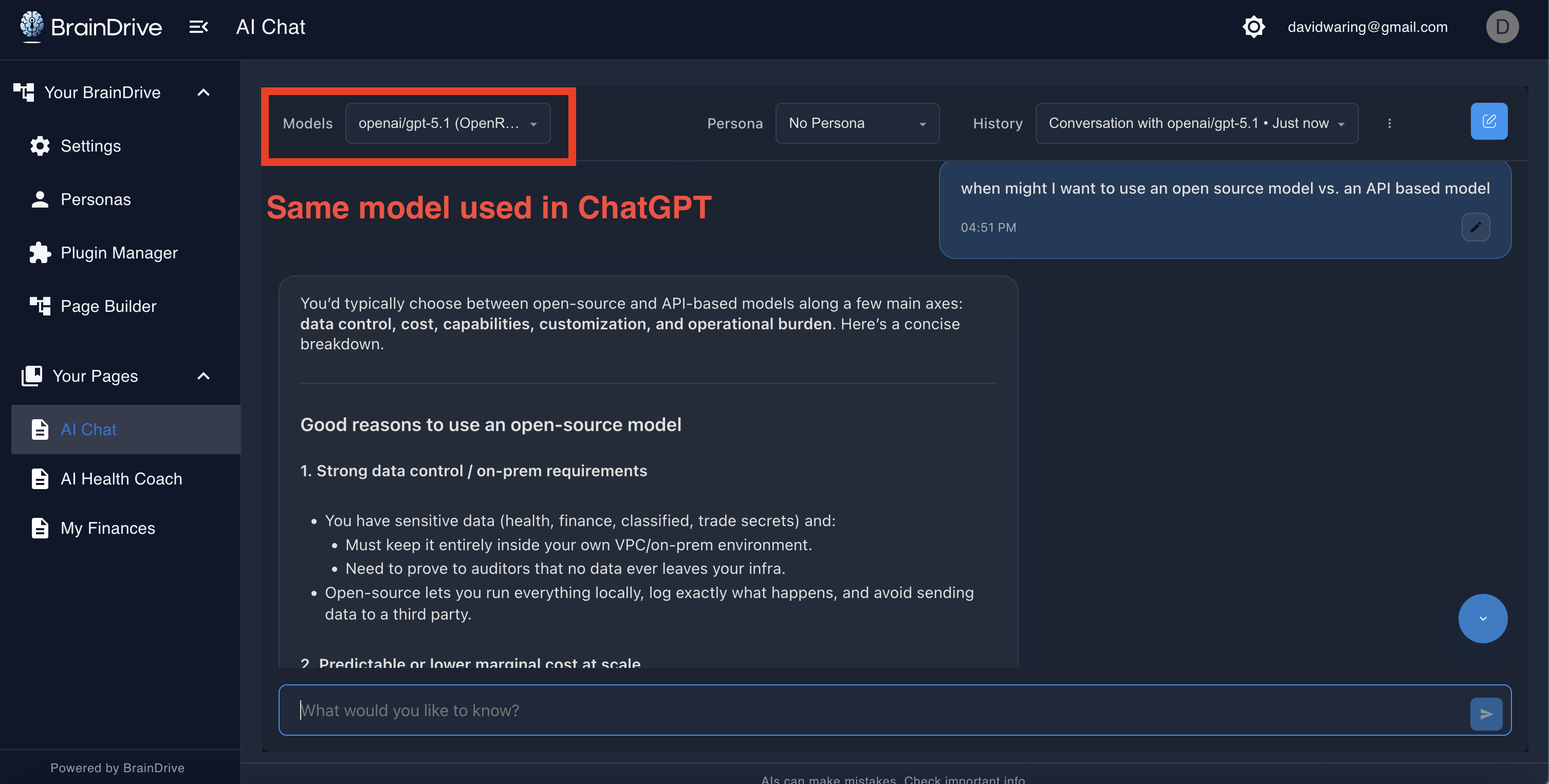
And the most powerful AI models used in ChatGPT, Claude, Gemini and other Big Tech AI systems if you want to leverage those as well.
3. Owning The Storage/Memory
With ChatGPT your chat history lives on their servers and can only be used within their system.
With BrainDrive, it lives on your computer.
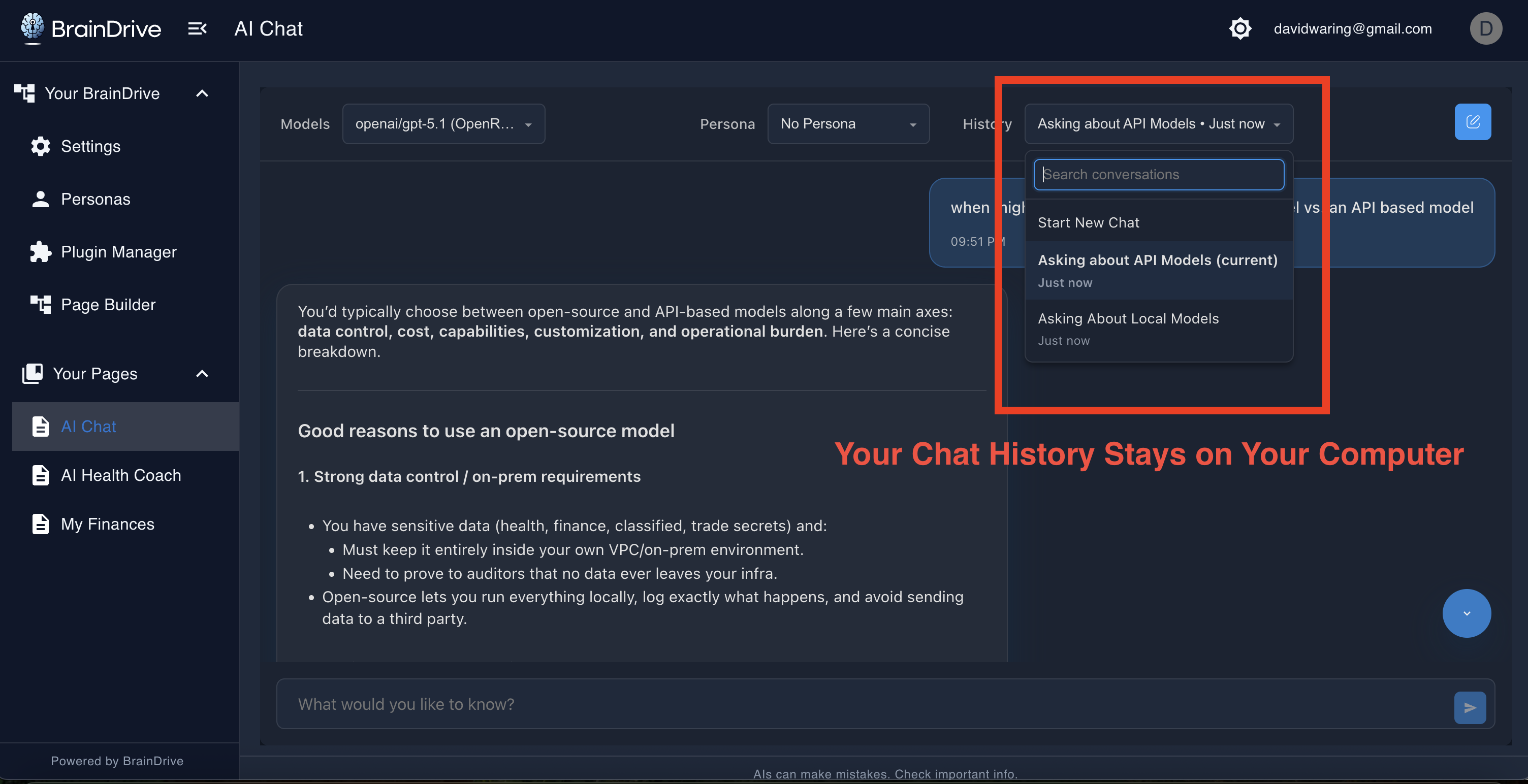
ChatGPT locks your AI system’s memory into their system.
BrainDrive gives you the key.
4. Owning The Hosting
Everything you are seeing can be hosted on your computer for your complete ownership and control.
And it can just as easily be hosted on the cloud host of your choice.
5. Owning the Connections
With ChatGPT, they connect to other systems for you - which means you’re trusting them with those connections and all the data flowing through them.
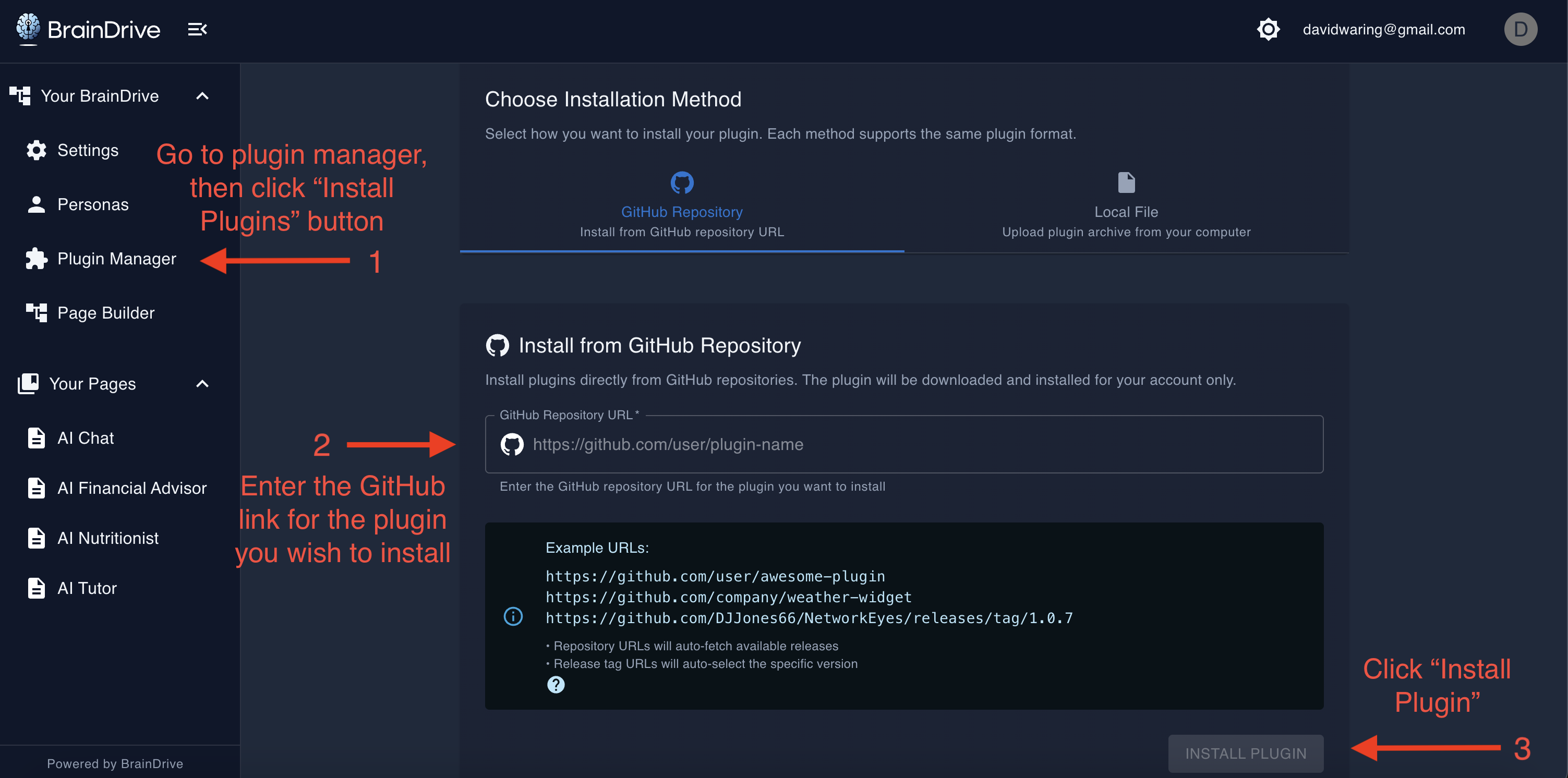
With BrainDrive, you make the connections yourself through plugins.
Want to connect to OpenRouter to access hundreds of AI models? Install the OpenRouter plugin.
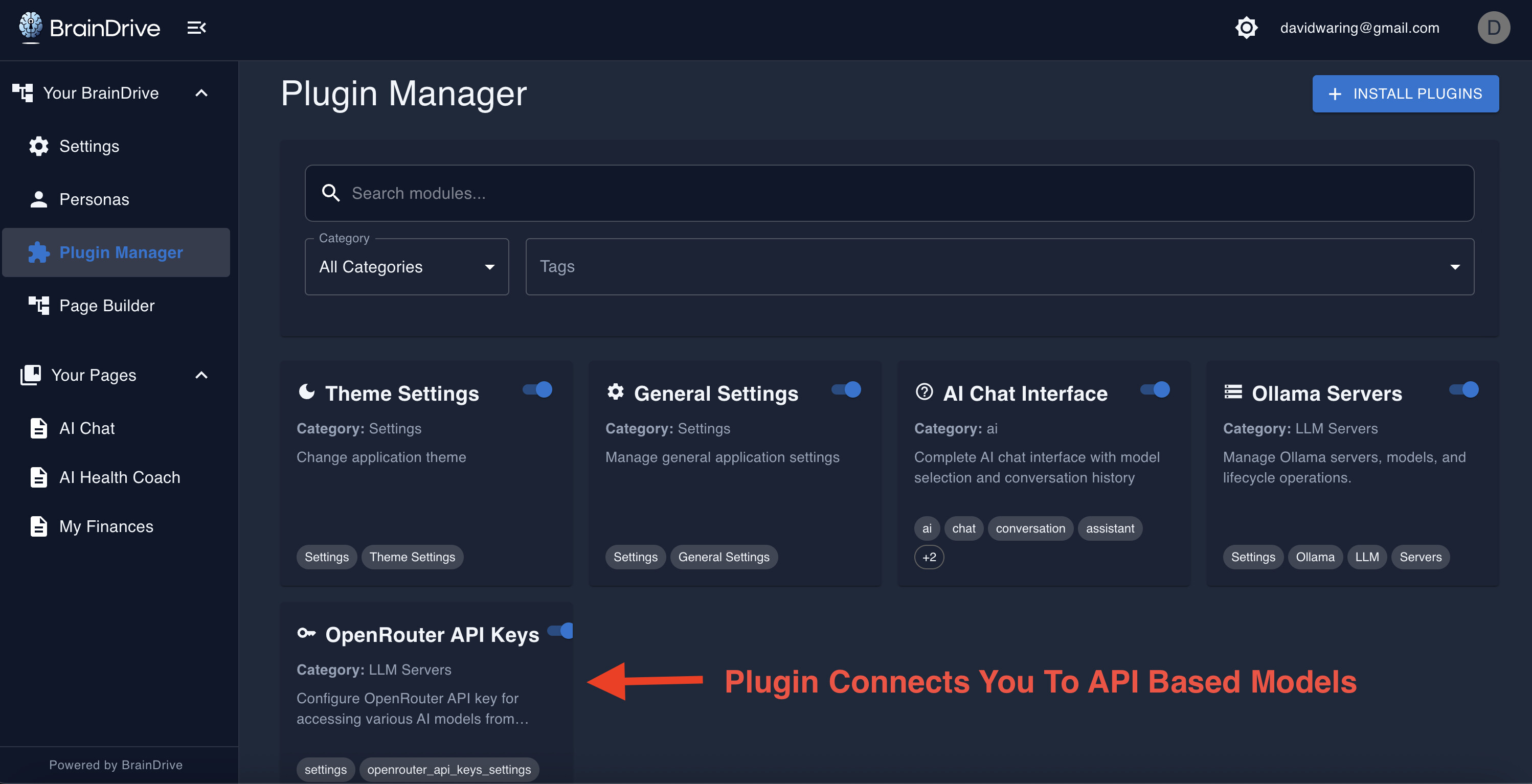
Want to connect to your business tools? Build a plugin or find one in the community.
You decide what connects, how it connects, and who has access.
That’s all 5 components of an AI system under your complete ownership and control.
And that’s not all.
Your BrainDrive is designed to be customized and built on.
With ChatGPT you’re stuck with the same interface that everyone else has.
With BrainDrive we believe your AI system should be as unique as you are.
That’s why BrainDrive is designed from the ground up to be customized and built on top of.
Simple Customization:
Create one page for chatting with local AI models when you want complete privacy.
And another page for accessing Big Tech’s most powerful models via APIs when you need cutting-edge performance.
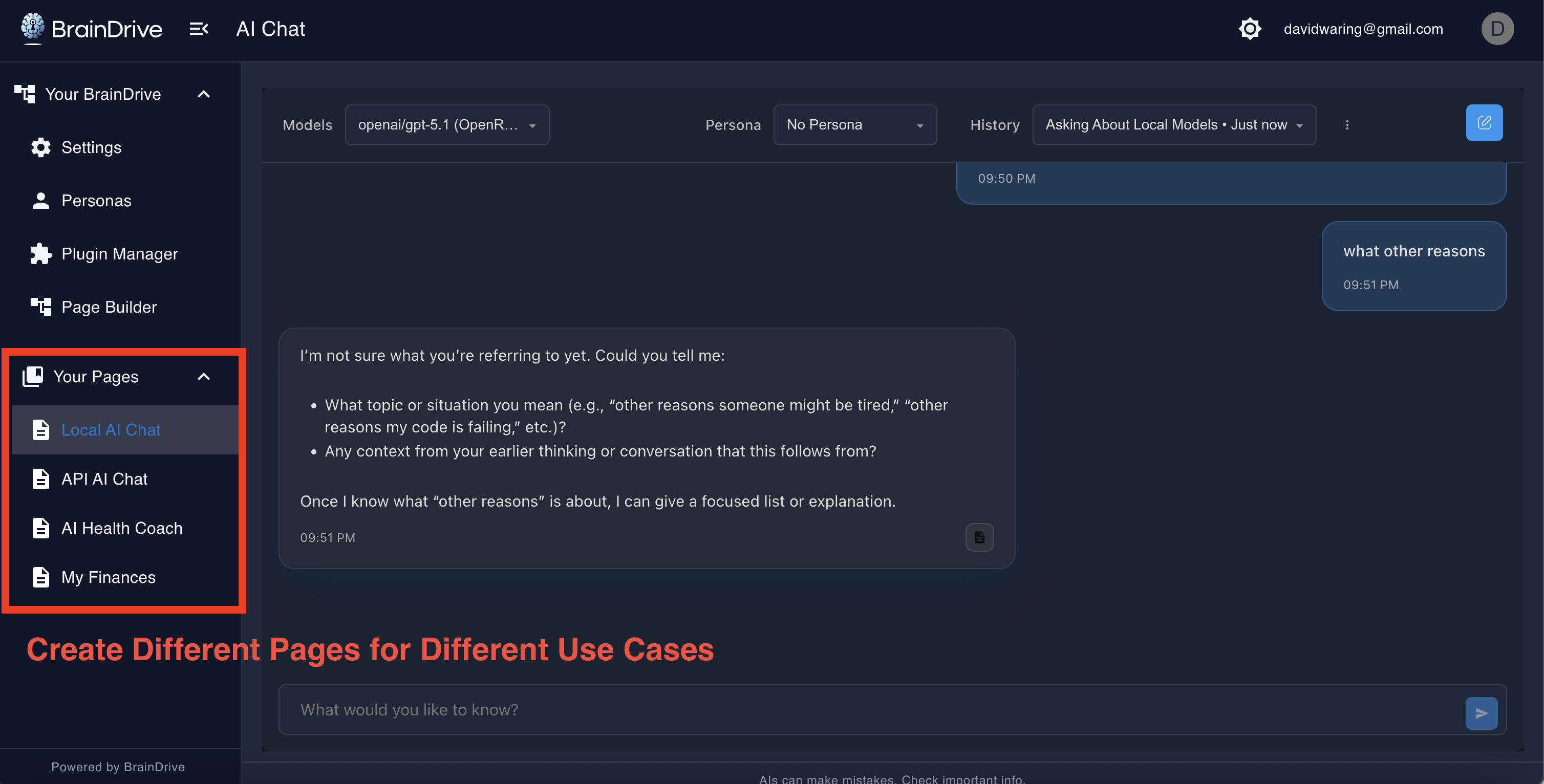
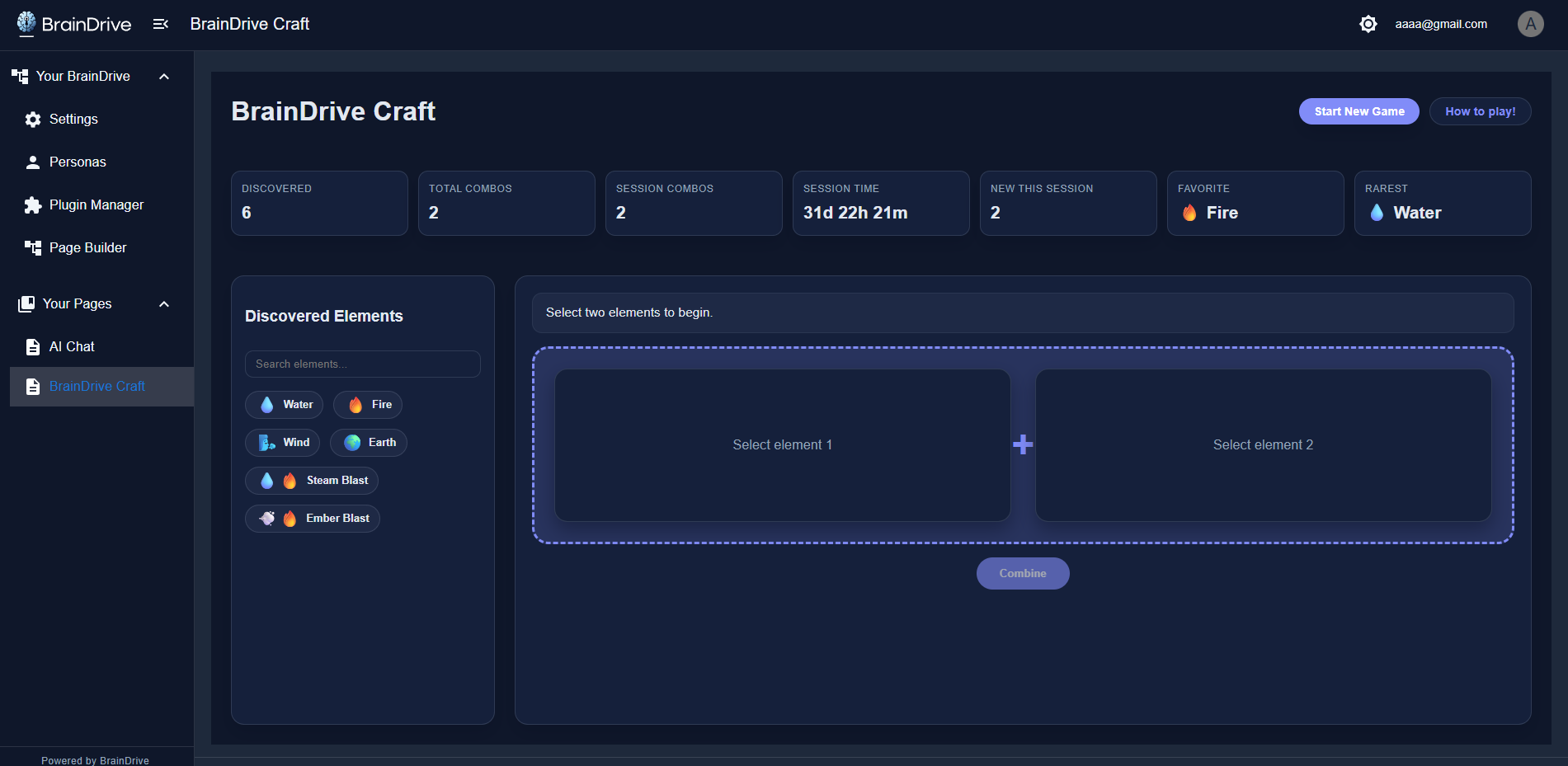
Advanced Customization:
Or go further - like creating a custom AI-powered game to play in your BrainDrive.
How It Works: Plugins
Everything you’ve seen is built using BrainDrive’s plugin-based architecture.
If you’re non-technical, you can use existing plugins to customize your BrainDrive to your liking.
If you are technical, you can build plugins to extend your BrainDrive for yourself and/or to offer to other BrainDrive Owners.
And instead of building on a platform that Big Tech owns and controls, you’re building on a foundation that you own and control instead.
What You Just Saw
Let me be clear about what you just saw.
This isn’t a demo account on someone else’s server.
This isn’t a limited trial that expires.
This isn’t a subscription that can be cancelled.
This is a complete AI system that will run on YOUR computer. Under your complete ownership and control.
In the next lesson, you’re going to install BrainDrive. The installation has several steps and will take about 15-20 minutes. But I’ll walk you through each one.
And then what you just saw? That’s yours.
Your interface. Your models. Your storage. Your hosting. Your connections.
Your own AI system, that you’re free to use and customize however you please.
I’ll see you in the next lesson.