Did you do the hard refresh, the dev tools and reload the page from the network panel?
I did but I must not have done it on the right page or at the right time because this time that worked. So now I have the open router plugin and the API key from Open Router inputted. Should the models automatically show in the dropdown now or is there something else that I have to do to get them to show as they are not showing currently. I did do the hard refresh on that page as well.
I feel like I’m almost there!
Thanks=,
Dave W.
Check to be sure your BrainDrive Chat is updated, I am pretty sure I had to update that as well through out this process.
Yes you are!
By the end of the day there will be another round of cleaned up issues as well.
Ok there wasn’t an update available so I deleted and reinstalled and still no dice. No worries we can look at it together tomorrow and sounds good on additional cleanup.
Thanks,
Dave W.
I just went through the process on a different system:
BrainDriveChat 1.0.17
Open Router 1.0.1
Your Core install from the other day should be fine..
I tossed in my API Key for openrouter, saved it and then went to the chat and all of the models showed up
It’s definitely possible that I am doing something stupid lol.
Here is what I am seeing: https://youtu.be/_J7CLmcKrKE
I created a new API key on open router just in case that was the issue and same thing.
This is not an urgent thing on my end so we can talk about this tomorrow and figure it out.
Hi All,
Dave redid the Open Router Plugin and it’s now working flawlessly on both of our Machines!
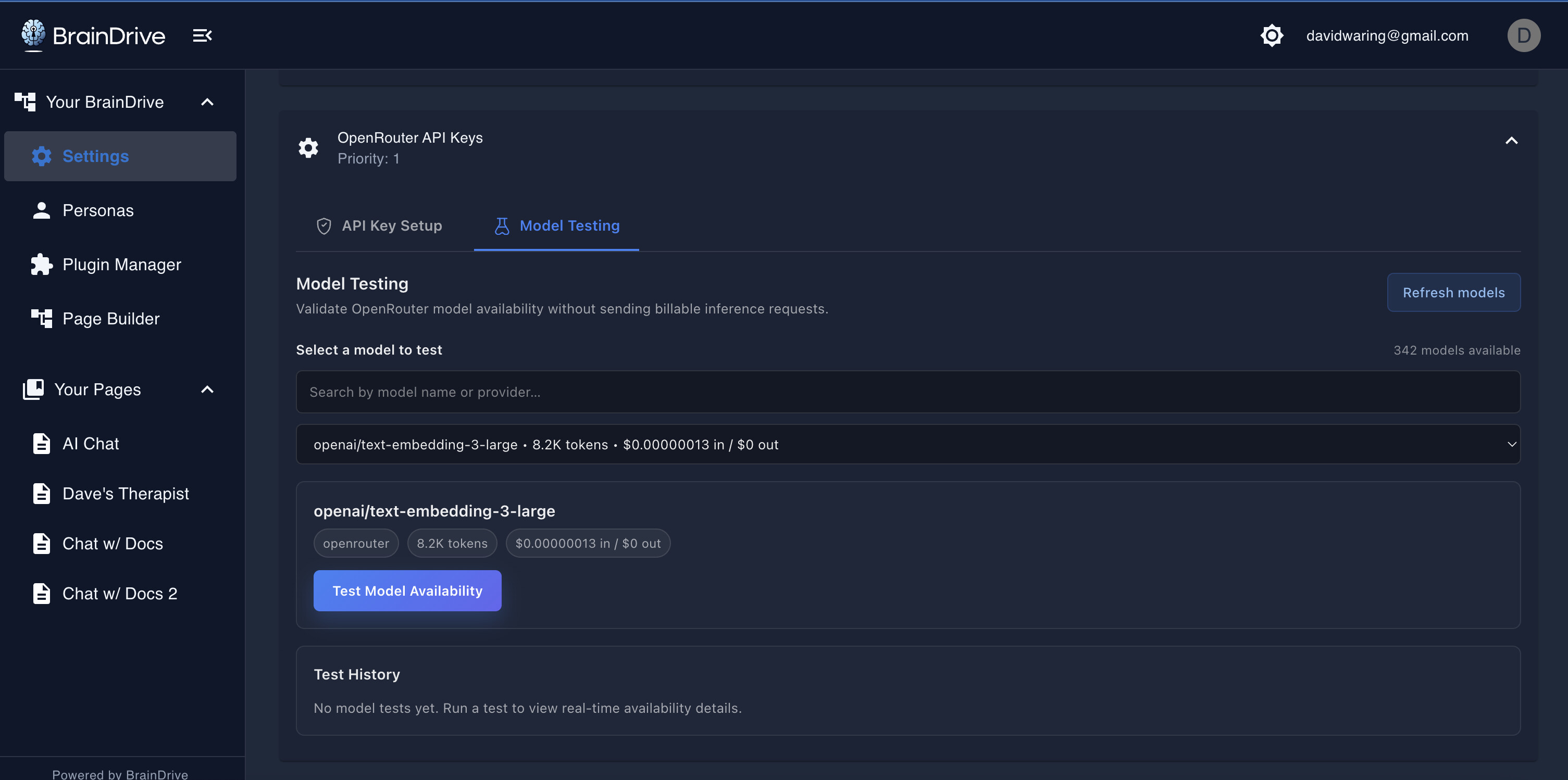
Give it a try and let us know what you think.
Thanks,
Dave W.