Hi Guys,
I got BrainDrive up and running on my computer last night!
Now that I have it installed Dave J and I are discussing improvements.
We are starting with the core interaction which is the single most important experience we want every BrainDrive owner to have on day one:
Chatting with your own AI system.
This is the “aha” moment where BrainDrive clicks. Everything—from customization to monetization—starts here. So we’re designing the entire onboarding flow to make this moment as simple, powerful, and satisfying as possible. You can read more about what a core interaction is and why we are focused on this here.
First Stop: The BrainDrive Concierge
When you log into BrainDrive, we want owners to land on an AI chat page with the BrainDrive Concierge model already loaded and ready to help.
Think of the concierge as your AI co-pilot. It’s not just a chatbot. It’s been trained to help you get the most out of BrainDrive, whether you’re building your first page, connecting a plugin, or just wondering “What is BrainDrive?”
The goal: no guesswork, no setup hoops. Just a helpful AI assistant, running locally. It’s decide to get you started easily with BrainDrive and to quickly show off BrainDrive’s core interaction: Chatting with your own AI system.
Dashboard vs. Chat: What Goes Where?
We also spent time refining the difference between two core pages:
-
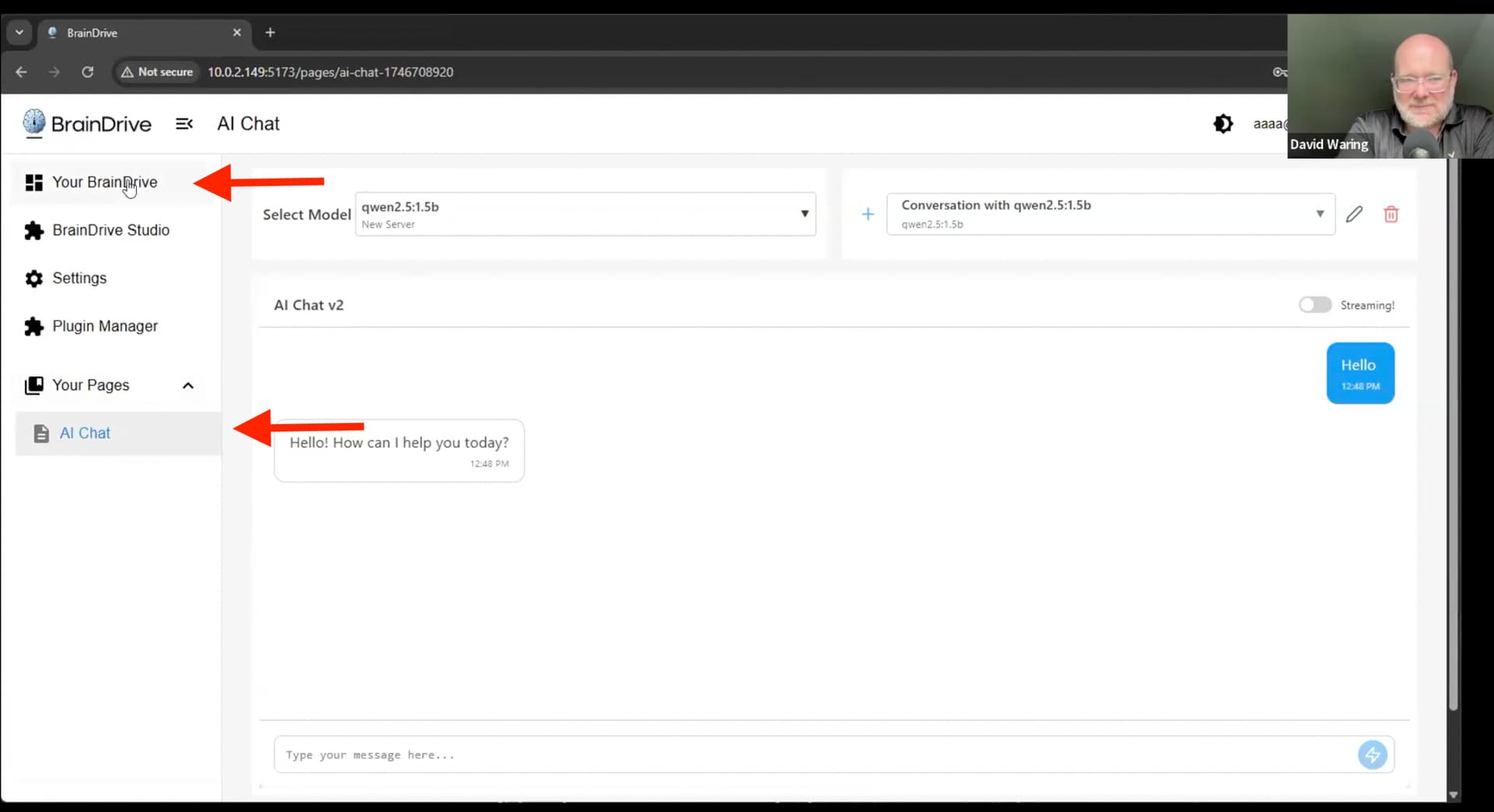
“AI Chat” is where you talk to your AI. It’s your assistant, advisor, and sandbox for exploration.
-
“Your BrainDrive” is your dashboard—your command center. This is where you build and control your system: settings, plugin manager, BrainDrive Studio, and more.
Both are essential. But we’re making AI Chat the default landing page, so new owners hit the ground running with a live, working AI. The dashboard remains just one click away for building and customization.
UI & UX Updates in Progress
Here’s what’s happening next on the design and dev side:
-
Making the AI Chat interface cleaner and more responsive
-
Defaulting to streaming output for better performance
-
Moving chat history below the input, similar to ChatGPT projects
-
Keeping the concierge prompt front and center to guide new users
-
Exploring how to collapse non-core sidebar elements for simplicity
-
Ensuring that Braindrive Studio, Settings, and Plugin Manager persist (but don’t clutter the UI)
We’re focused on making the chat experience delightful, before expanding to custom pages, agents, and beyondCore Interaction.
We’ll share mockups and implementation updates as they go live. In the meantime, if you’re testing the dev install or want to help shape the concierge model, jump into the community and let us know what you’re seeing!
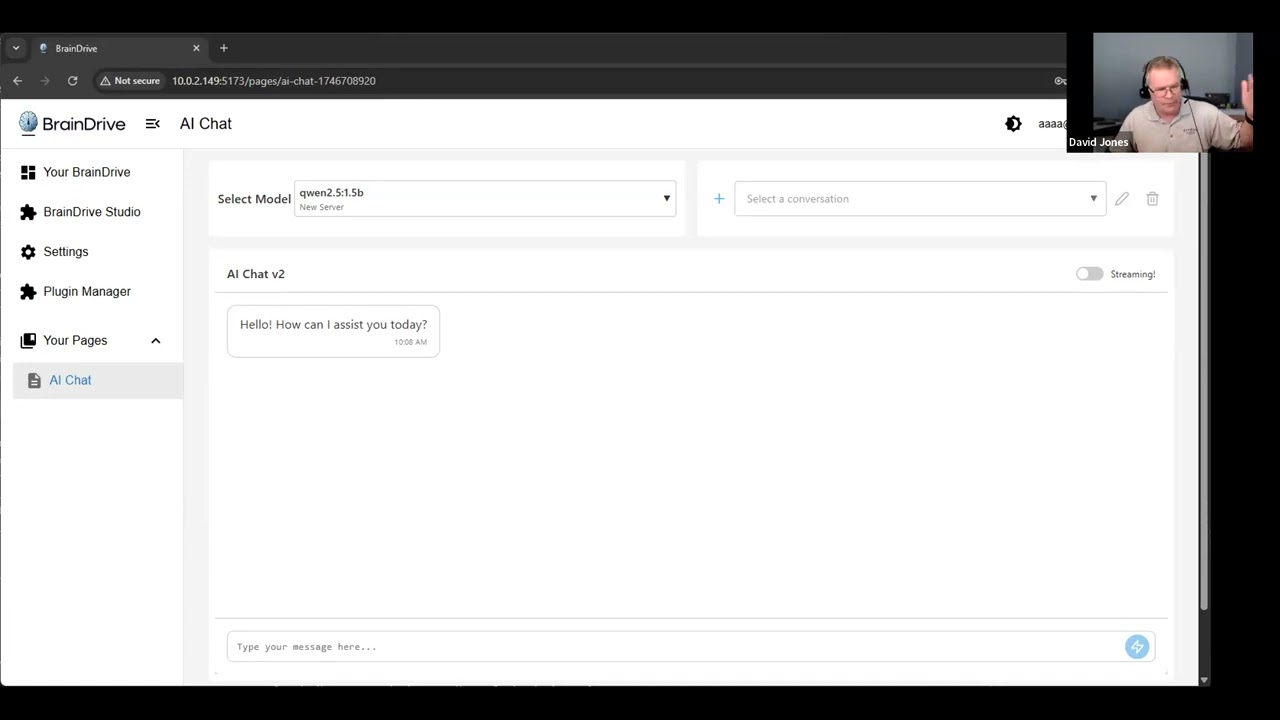
Here’s the recording of the full call:
Questions, comments, concerns welcome as always. Just hit the reply button.
Thanks!
Dave W.