Getting Started with BrainDrive
Get up and running with your own AI system in under 5 minutes.
1. Install BrainDrive
BrainDrive runs on your computer under your complete ownership and control.
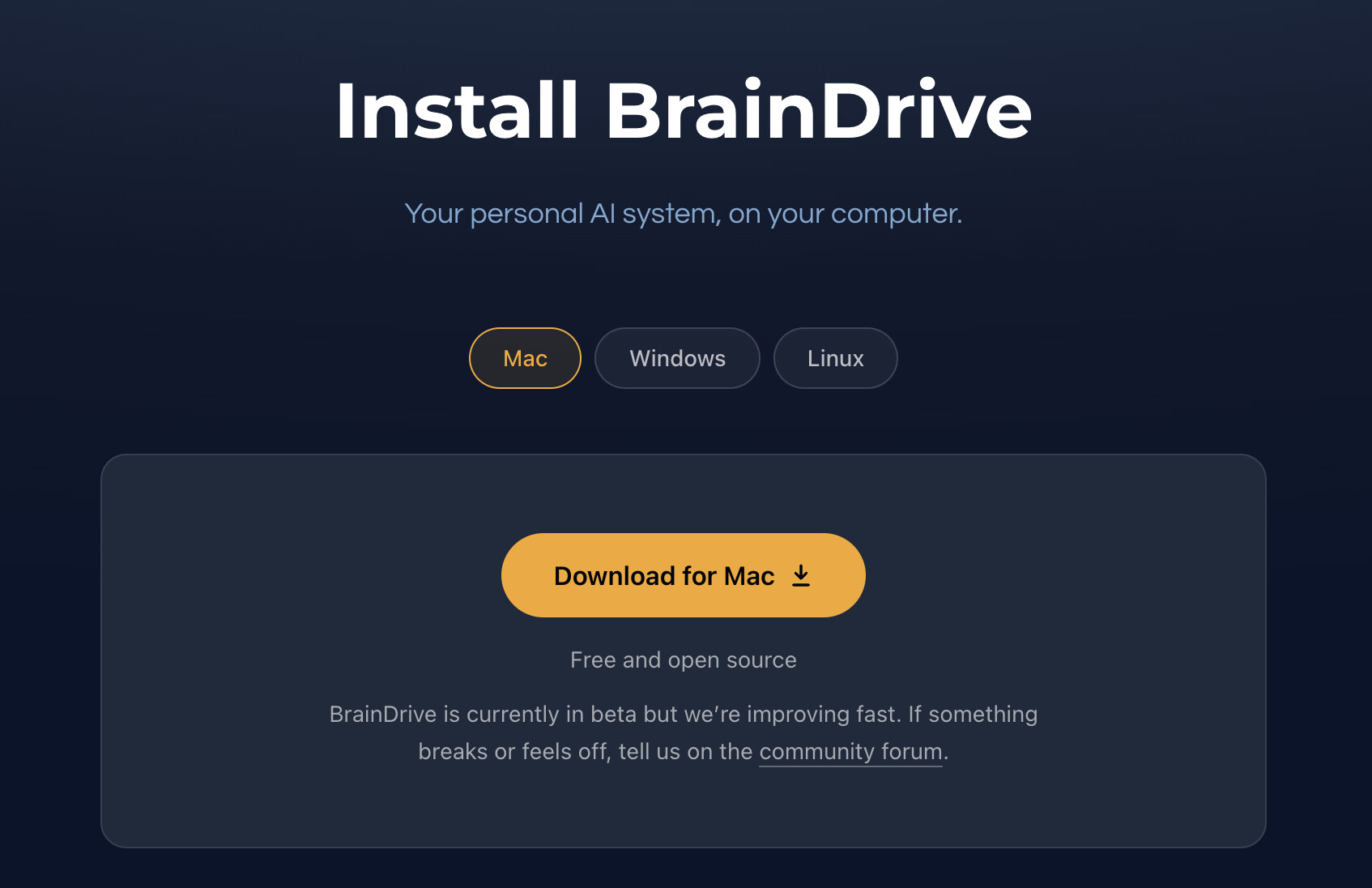
Goto BrainDrive.ai/install , choose your operating system (Mac or Windows) and click the download button.
2. Create your owner account
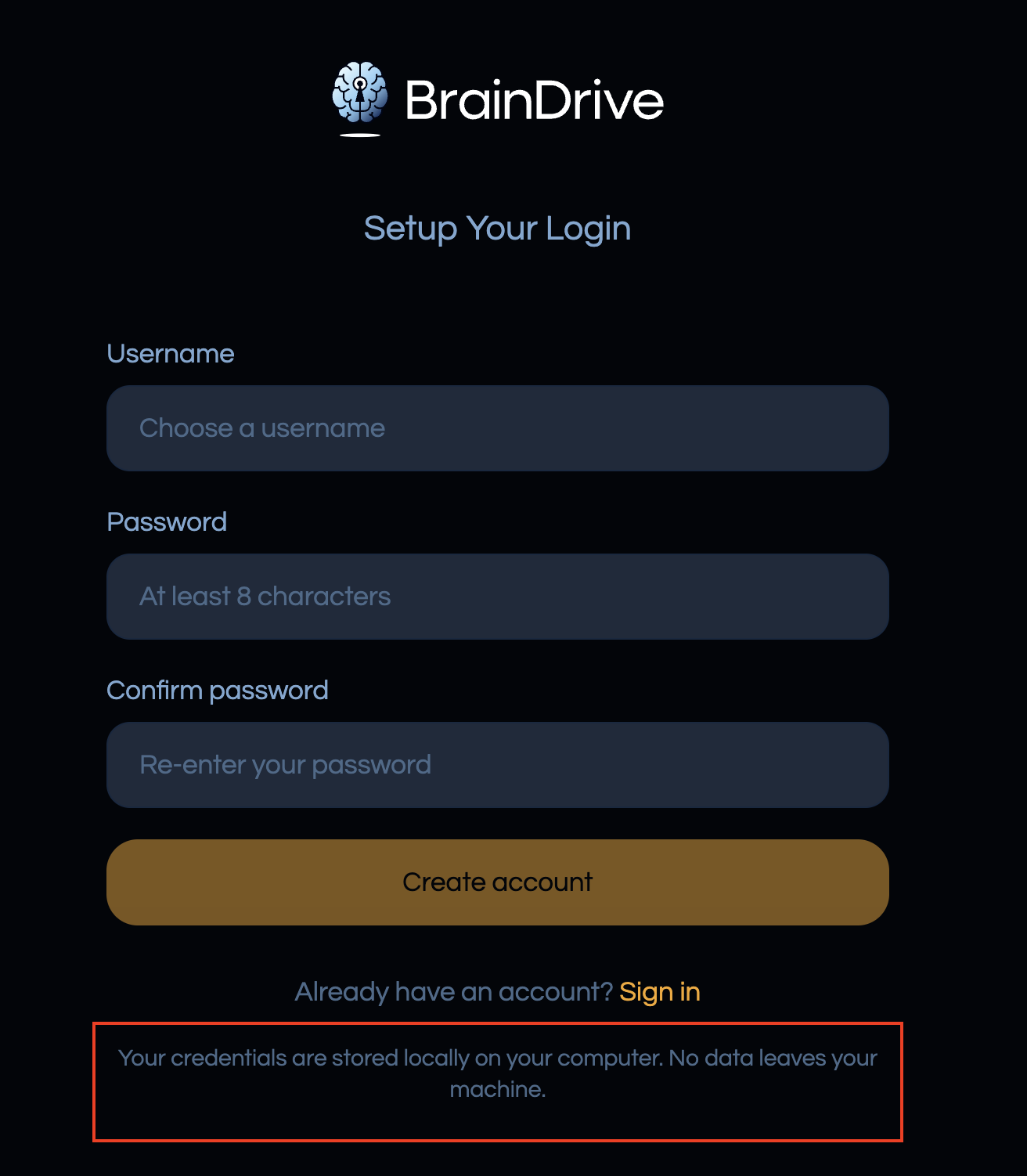
BrainDrive asks you to create a local owner account the first time it opens. This account lives on your machine. Nothing about it is sent anywhere.
3. Connect an AI model
BrainDrive works with the model provider you choose.
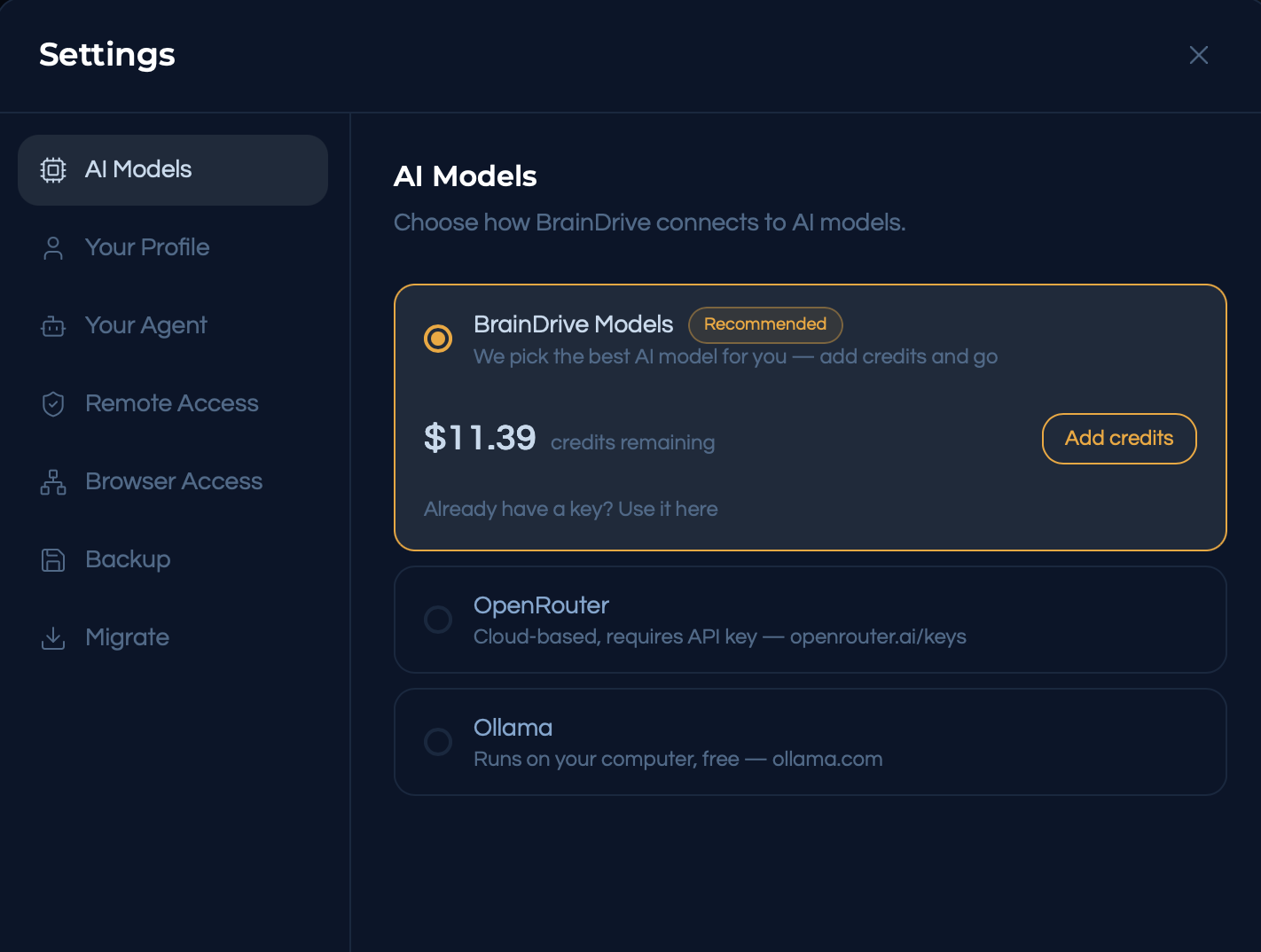
Three options:
- BrainDrive Models — the simplest path. Credits, no API keys to manage.
- OpenRouter — bring your own API key and pick from hundreds of cloud models. Guide: How to Use Cloud AI Models in BrainDrive w/ OpenRouter.
- Ollama — run models locally on your own hardware, fully private. Guide: How to Use Local AI Models in BrainDrive w/ Ollama. Not sure your computer can run local AI? Check here.
You can switch providers any time.
4. Meet Your BrainDrive
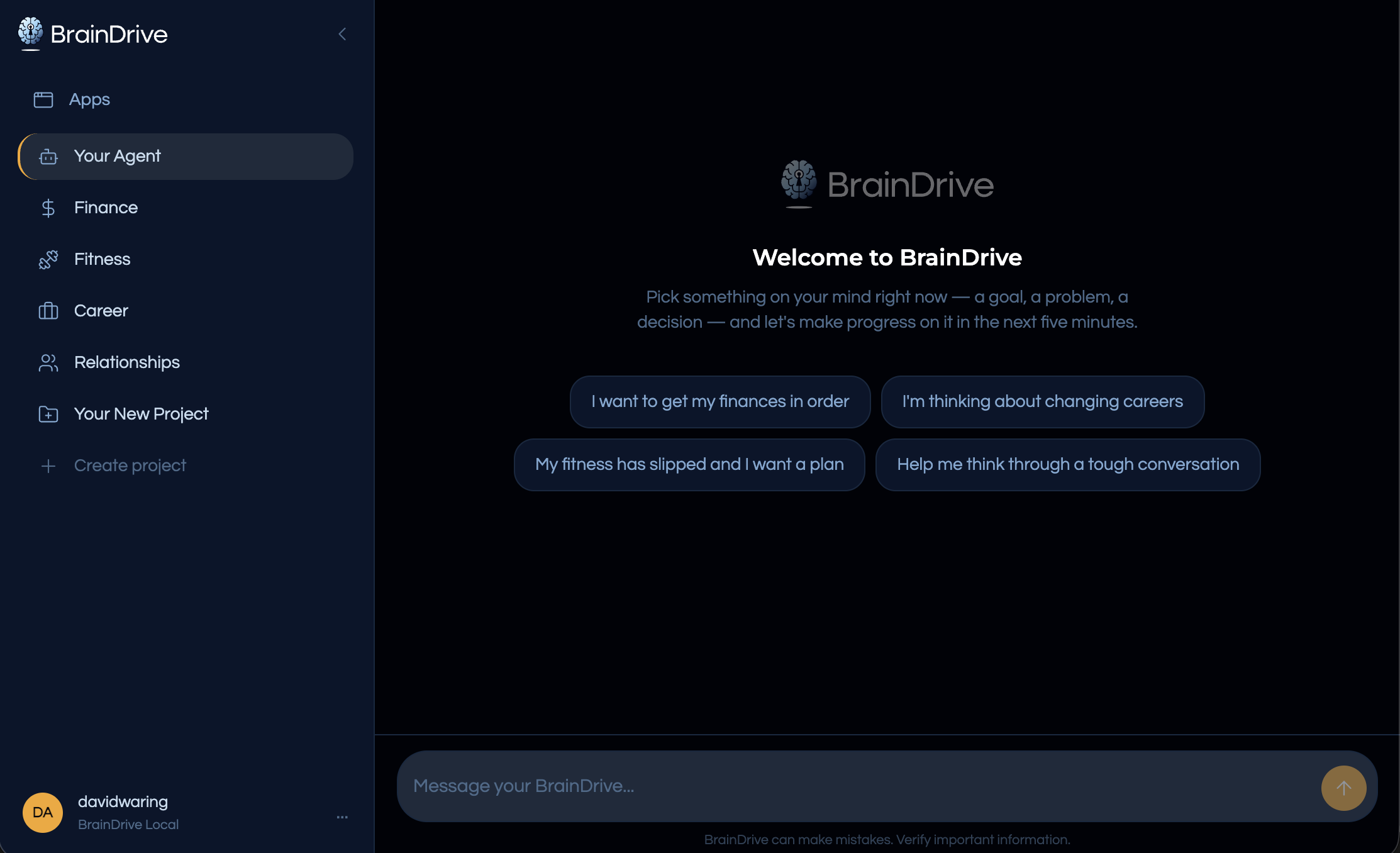
You land on Your Agent, your primary AI assistant. Career, Relationships, Fitness and Finance are ready to go, and you can create a project for anything else. Pick one and let it interview you. The loop is always the same:
- Interview — it asks the right questions to understand your situation and goals.
- Spec — it organizes what it learned into a clear document.
- Plan — the spec becomes an action plan with steps and milestones.
- Partner — come back any time. It remembers everything and helps you follow through.
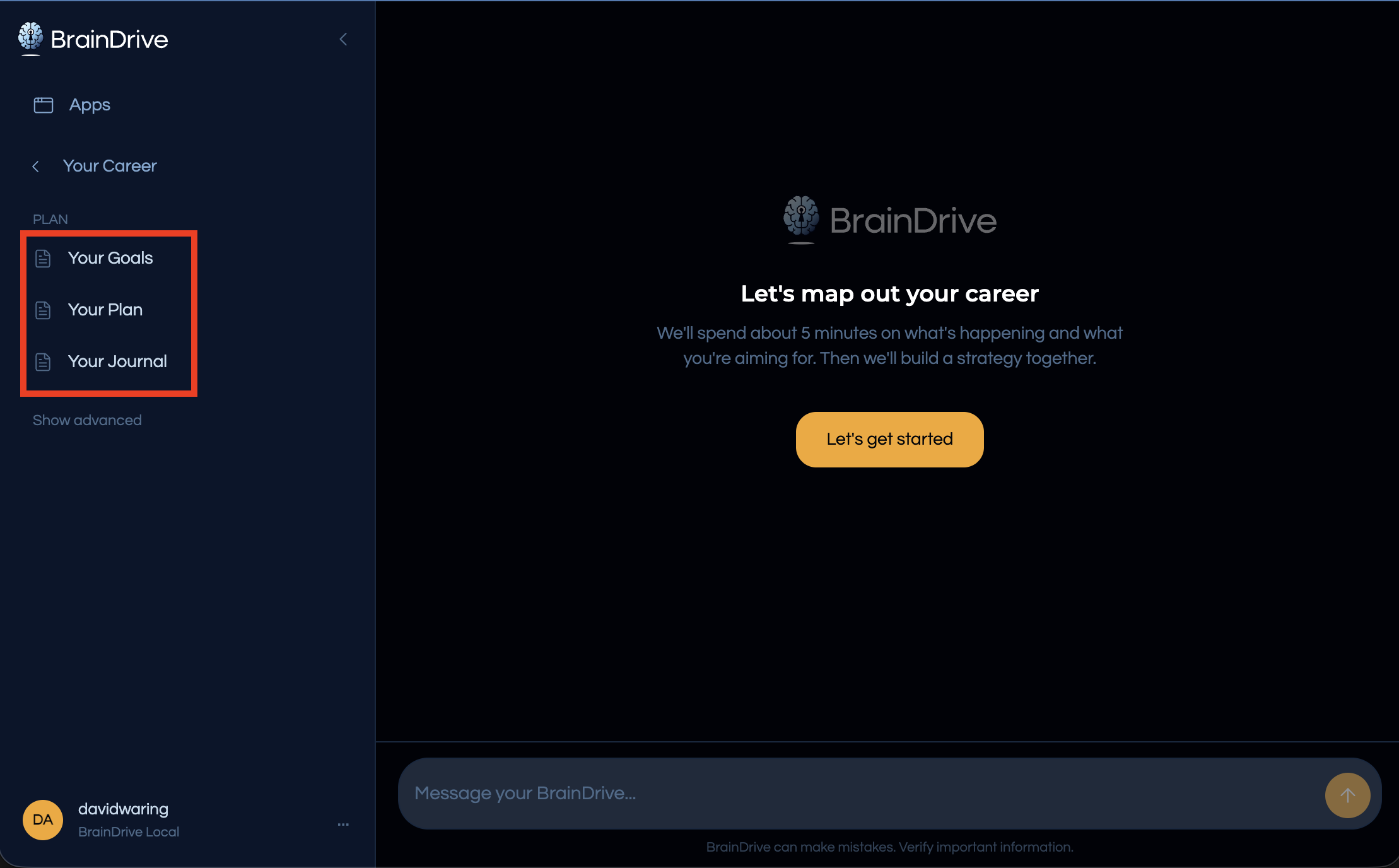
Every conversation builds Your Memory, so it gets better the more you use it. Your Memory lives on your computer, under your complete ownership and control.
If you want a deep dive on the method BrainDrive uses to help you define and reach your goals take the free course: How to Partner with AI to Define & Reach Your Goals.
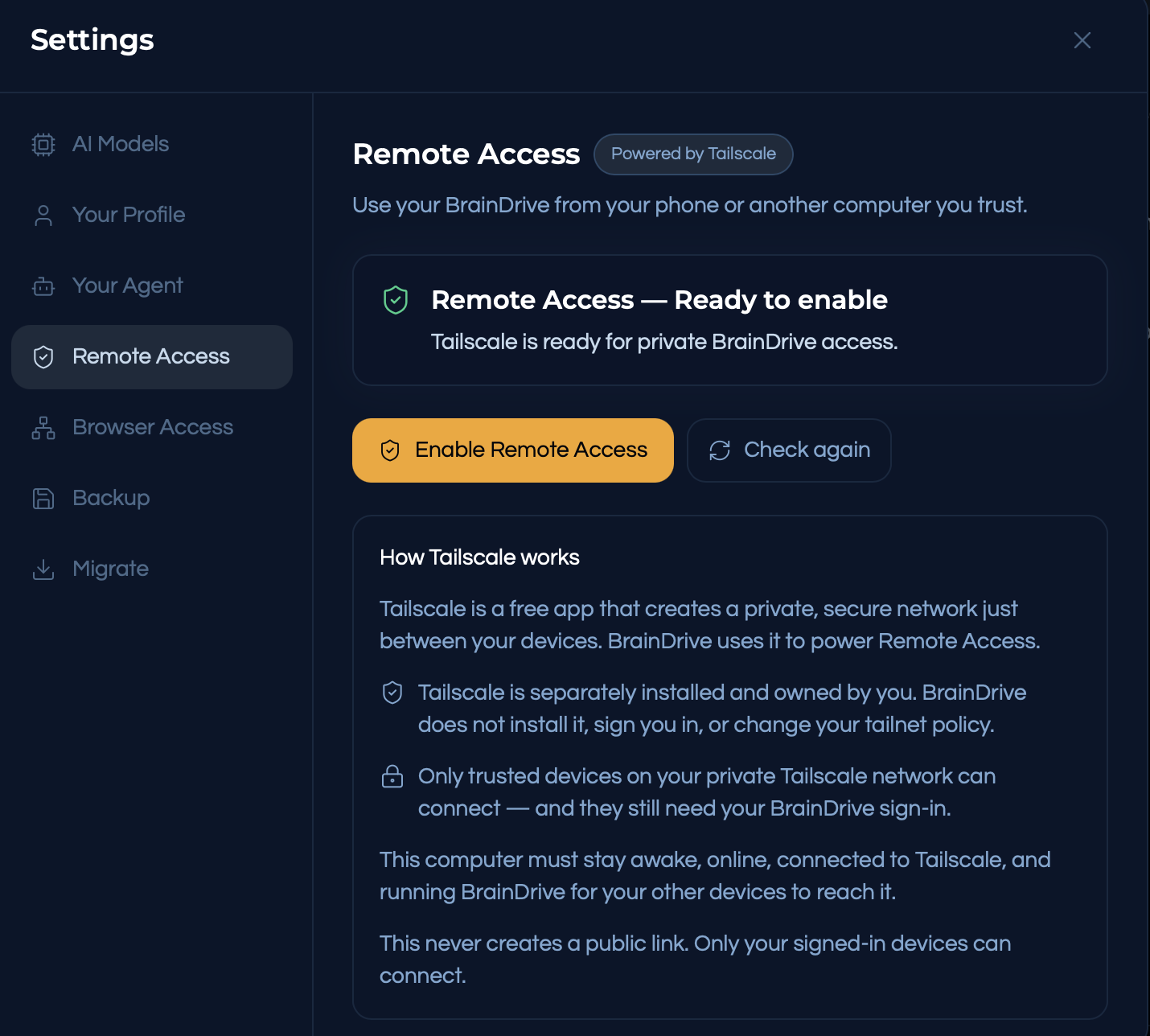
5. Optional: use it from your other devices
Access your BrainDrive from your mobile devices or any other device with an internet connection using our free and private Tailscale network.
Stuck? Ask.
Reply to this post or start a topic in Welcome & Getting Started. There are no dumb questions here. If you’ve found a bug, the Weekly Dev Call Updates thread is where we track them.