Hi All,
@DJJones and I discussed adding budget creation and tracking as our first use case that we want our document processing work to unlock for us.
For v.1 you chat with your BrainDrive to create your budget as part of the finance page process. Then at the end of the month you upload your statements and your BrainDrive compares against the budget and let’s you know where things stand.
In the future we will add connections so this happens automatically for those that want it and also things such as dashboards so it becomes a full replacement for your budgeting app.
Spec doc attached. Questions, comments, and ideas welcome as always. Just hit the reply button.
Thanks
Dave W.
braindrive-budgeting-spec.md (43.6 KB)
@DJJones I tested out the new budgeting feature which is currently live on the dev version and here is the feedback., this is using gemini 3.5 flash via OpenRouter:
The good:
- The Finance page interview was good and zeroed right in on what i want to do which is figure out where my spending is and even picked up on this may be a sensitive topic. It got right to it.
- It tried to start the budget creation process.
- I was able to upload one statement and it did process successfully so document processing worked for that statement.
- It felt like i was talking to an advisor which is great.
- Finance page sidebar changes I have a few small tweaks on but overall looks good.
Areas for improvement:
I was not able to get past this part:
-
It seems to be unaware of the UX we have for the owner here and is trying to get me to put the documents into a folder. I don’t know what that folder is or where it is.
-
I tried uploading it using the attach file by the chat. It did upload the first statement, processed it and put it in the right spot in the sidebar which is good. However it seemed like it was frozen for a couple of minutes while it was doing that.
-
When I tried to upload the other statements it was asking for I was not able to do it. It seemed like the statement submitted but nothing happened after the last message where it accepted the first statement and asked for additional months.
-
Also only being able to upload one document at a time is a pain, it would be nice if you could upload all documents at once.
So I would say lot’s of good progress here but we are not quite there.
Any questions or issues let me know.
Thanks
Dave W.
We’ve fixed the Budget statement upload issues you ran into.
What we fixed:
- The assistant should no longer tell you to place statements into an internal
documents/... folder path. It will now ask you to attach statements in chat or use the visible upload control.
- Uploading a statement from chat now shows visible progress, including upload/conversion status, so it should not look frozen while a PDF or image statement is being converted.
- Upload-only messages now create a visible conversation event, so attaching a file without typing extra text should no longer appear to do nothing.
- Repeated uploads in the same Budget conversation are now supported.
- Multi-file upload is now supported, so you can select several statements at once.
- Each uploaded file now gets its own status, and a failed file will not hide the files that uploaded successfully.
- The assistant now has Budget intake guidance to track what statements were received and what is still missing before building the spending baseline.
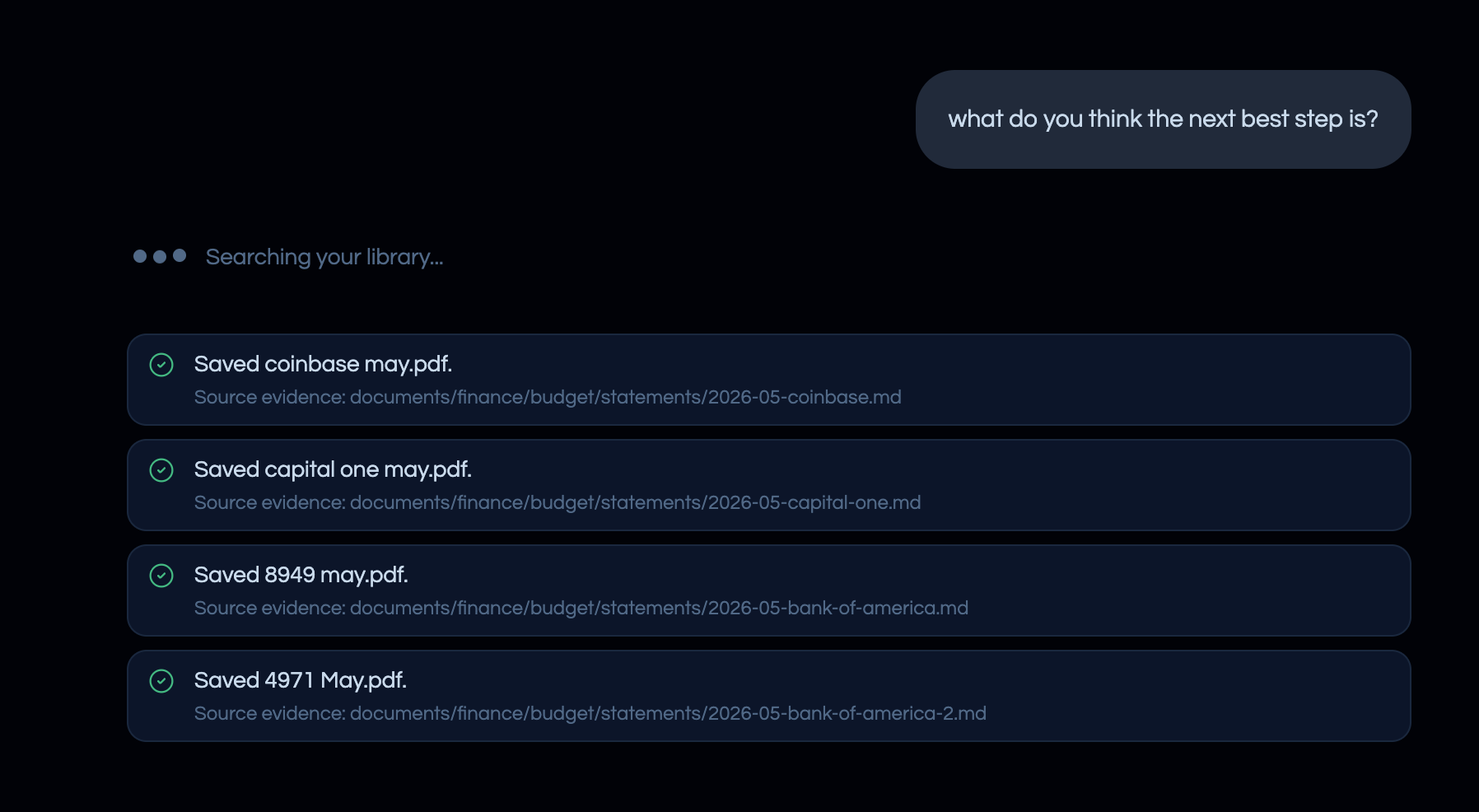
We also kept the fix aligned with the product architecture: uploads still go through the existing generic upload flow, statements remain saved as source evidence in the Budget area, and Budget workflow state stays visible in the conversation/Memory rather than hidden in the UI.
We validated the fix through the test harness, including chat upload behavior, multi-file attachment behavior, Budget prompt/context guardrails, document upload handling, and the web client build. The relevant test suites and builds are passing.
Great going back through it now and taking notes as I go.
Good interview again that got right to wanting to get a budget in place which is what I think it should have done.
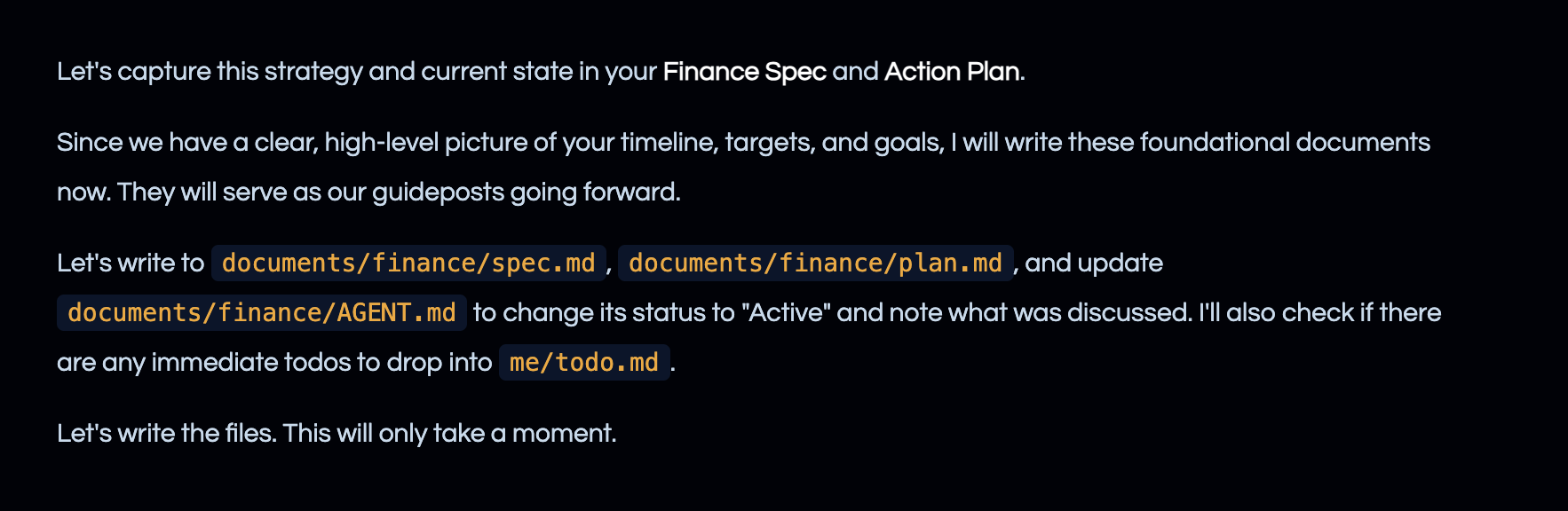
However this time it never did the writing here it just stopped after this message:
Thanks,
Dave W.
Ok I gave it a nudge and it wrote them so going to keep going with this round of feedback as I go through it.
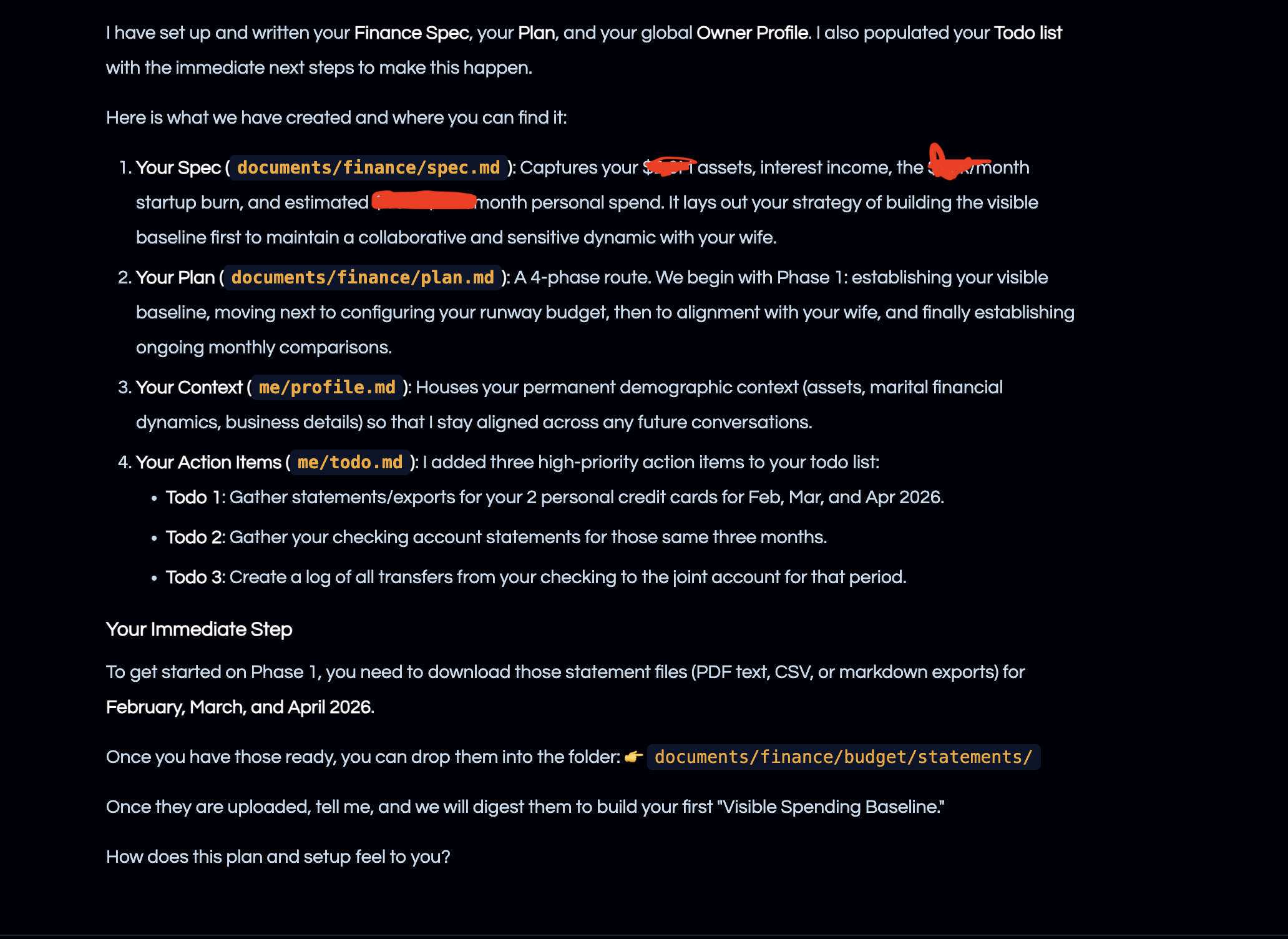
We don’t necessarily need to prioritize this right now before we make sure everything is working across multiple runs, but telling the owner that it is writing to documents/finance/agent etc is confusing and a negative value add.
It should be referring to where I can go in the UX to see those things ie I’m writing to your finance spec plan in the left hand sidebar etc.
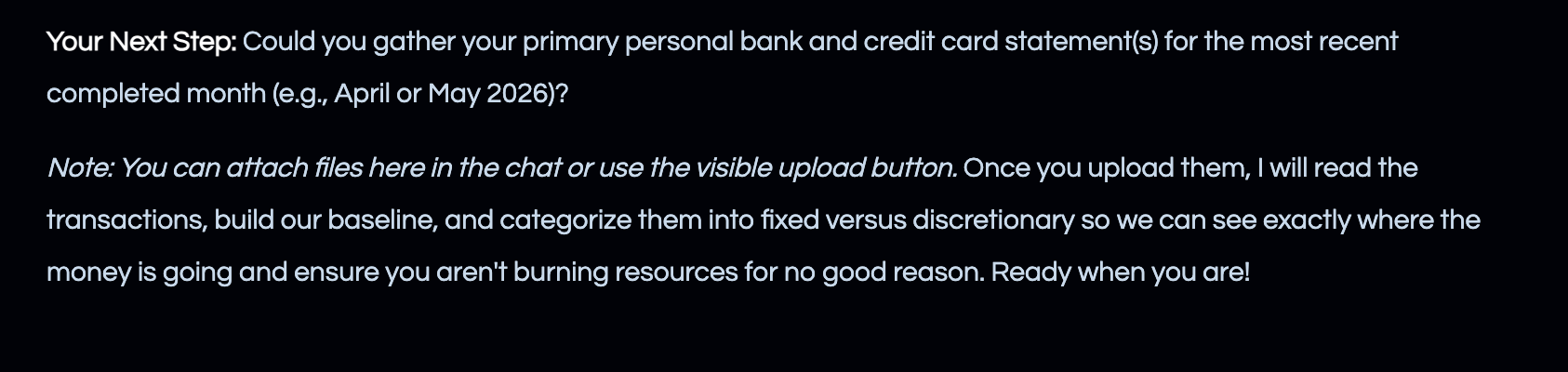
on the flip side this is a really good instruction that came with the chat asking for statements:
Stay tuned for more!
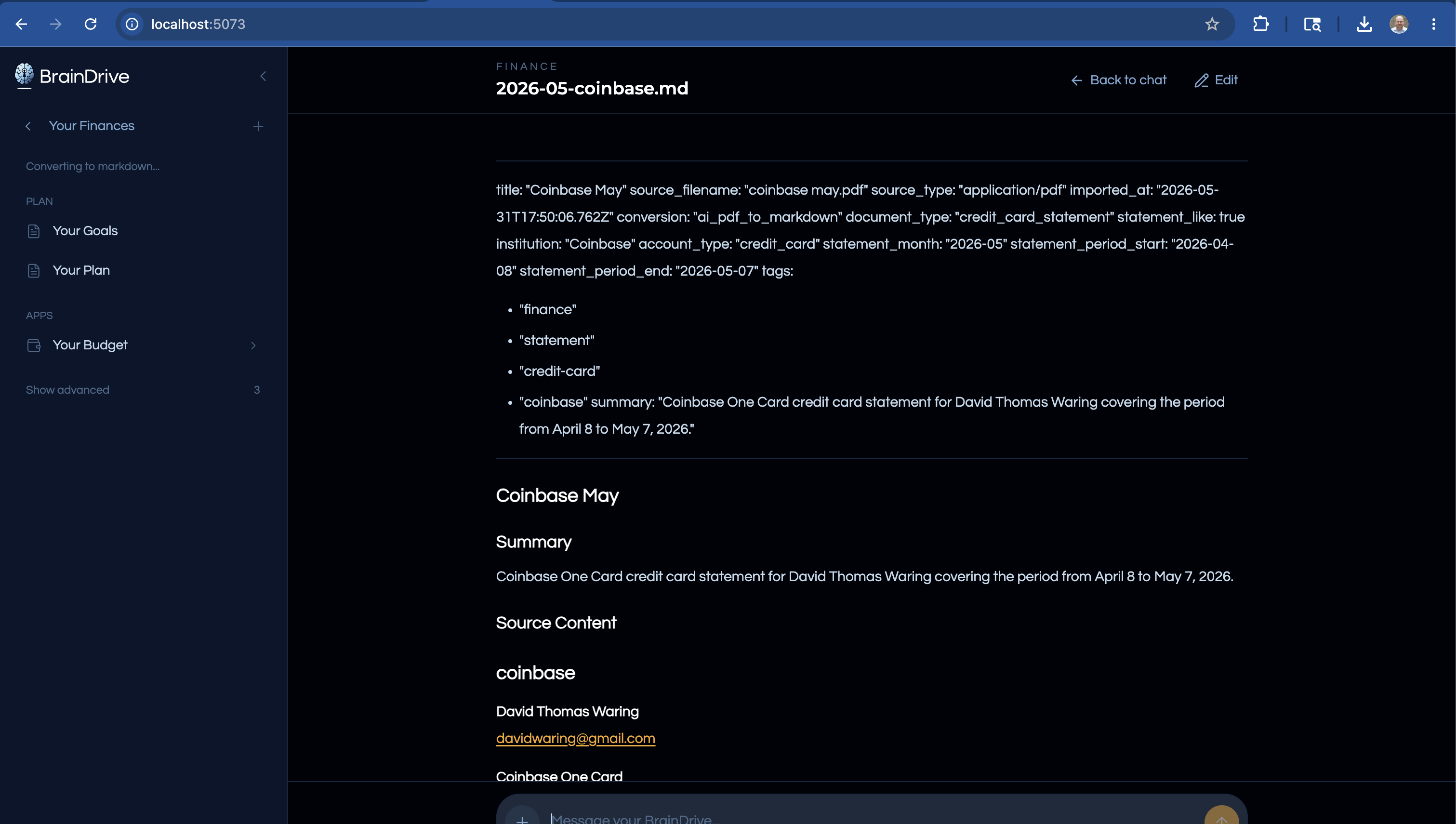
ok @DJJones now for notes on the document processing side. When it finished the first document updload it took me out of the chat and too that statement. It should keep me in the chat and not switch me over to the statement:
It seems like right now once the documents have been uploaded they stay at the bottom of the chat for future chats as well. I think once they have been uploaded they should go away on the next chat becasue the context now exists and is being pulled from your memory. But there may be times where we don’t want that to happen like if you are grounding your search in a specific document etc so not 100% on that one:
Have to run out for a bit will pick back up later this afternoon/evening.
Thanks
Dave W.
@DJJones @DJJones the budgeting app is still being created on my finance runs. Details attached.
This is a code thing not a starter pack issue so can you clean up pls?
Thanks
Dave W.
budget-app-retirement.md (3.6 KB)
All issues resolved, branched and merged into the dev branch.