Hi All,
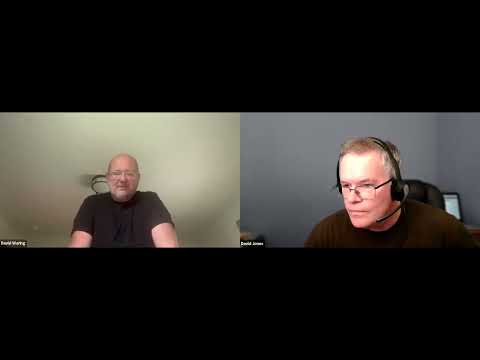
As a part of Monday’s developer update livestream Dave J walked me through how he leverages AI to code BrainDrive.
I cut that portion of the video into it’s own video and have posted below along with an AI powered summary that we can refer back to in the future.
Questions, comments, and ideas welcome as always. Just hit the reply button.
Thanks
Dave W.
Recording:
AI Powered Summary:
In this clip, Dave walks through his real-world AI-assisted dev workflow for BrainDrive—how he sets up the environment, plans changes with rules files, and uses AI agents to implement features quickly and reliably.
What’s inside:
- Dual-machine setup for speed: Windows 11 (frontend + IDE) and Ubuntu Server (backend builds & scripts) to avoid bottlenecks
- Why bash beats PowerShell for backend automation and more reliable AI execution
- VS Code + AI agents (OpenAI Codex and RueCode + Claude) working from the same workspace for consistent context
- The docs directory method: plan first in Markdown, then keep an implementation log for every change
- Rules files that keep AI on-rails: pinned paths, tech stack hints, and execution constraints
- Context engineering tips: only open the files the agent needs; keep tabs minimal to reduce confusion
- Testing approach: scripts and backend checks on Ubuntu; why he avoids slow in-IDE browser testing
- How this process enables faster plugin work and safer refactors across BrainDrive Core and plugins
Key takeaways:
Plan in Markdown, give AI a clear rules file, implement from the plan, and log every change. Split heavy tasks across two machines and prefer bash scripts for deterministic automation.